
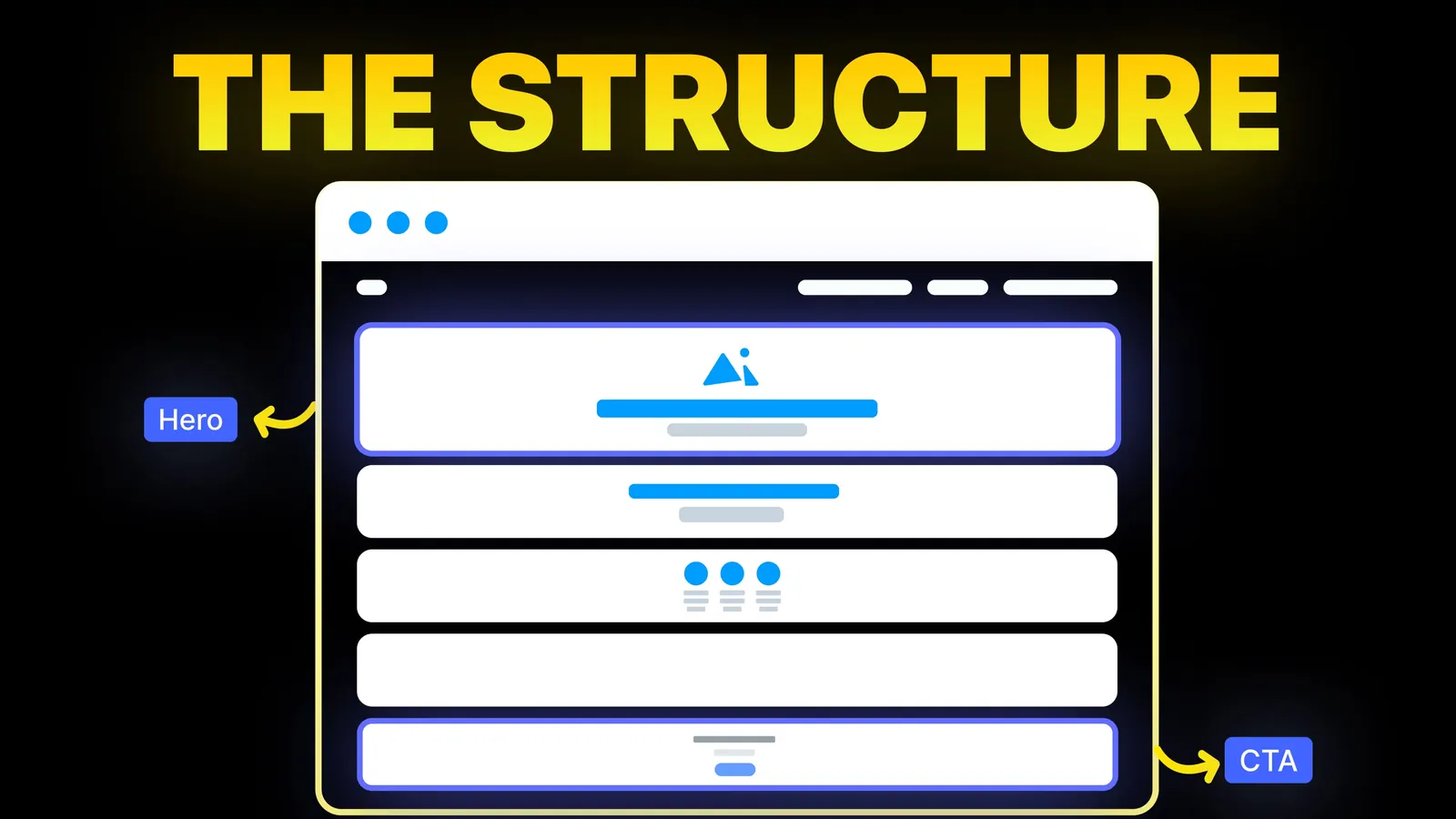
How to Turn Your Website Into a High-Converting Sales Machine
The structure behind a website that sells: the five decisions that carry conversion, the homepage section order, and how to rebuild without losing traffic.
Web Design
Most advice on services pages is a list of elements: headline, benefits, testimonials, button. That is a start, but it skips two things a business owner needs to know. A services overview page and a single service page do different jobs, and each section should answer a question a buyer is already asking. This guide maps both page types, section by section, and shows how our own service pages are built as of 26 October 2026.
A services overview page should list each service in one line, link each to its own page, and give one way to get in touch. A single service page should run in this order: what the service is and who it is for, what is included, how it works and how long it takes, who it suits and who it does not, proof from a real project, how pricing works, the questions buyers ask, and one clear next step. The sections below explain each part and the question it answers.
Disclosure: we are a web design studio, and our own service pages are the worked example. We have not run tests on how many enquiries each section brings, so treat this as design reasoning, with the sources named where we use them.
On 26 October 2026 we searched Google (United States, English) for "services page design". The first page was mostly galleries and templates: Webflow's professional services templates, Dribbble (about 394 service page shots), Pinterest, One Page Love, Envato and DesignRush. The written guides were from Squarespace, Databox and Huemor. We read those three in full.
All three agree on the elements. What none of them gives is a section order tied to what the buyer is asking at each point, a plan for the owner who prices by scope and cannot post a number, or a clear split between what goes on the overview and what goes on the single page. That is what the rest of this guide covers.
| Services overview page | Single service page | |
|---|---|---|
| Main job | Show the range and send each visitor to the right service | Sell one service to someone who may have landed on it first |
| Where visitors come from | Mostly your homepage and main menu | Search, ads and links to that service |
| Length | Short: one line per service | As long as the buyer's questions need |
| Proof | A few of your strongest projects or quotes | Proof that matches this service |
| Search target | Your brand and broad terms | The service name, often with a place or a platform |
| Next step | One contact action, plus a link to each service | One contact action, repeated |
Huemor's advice to have both is sound. A single page that tries to list everything ends up too long for the person who wants one service and too thin for the person comparing several.
Each part below starts with the question a buyer has at that point.
Name the service and the result in the headline, and say who it is for in the line under it. Squarespace's "stranger on a plane" test is a good check: if you said the headline out loud to someone on a flight, would they know what you do? Avoid a headline that could belong to any business. Our hero section guide has before and after headlines.
List the deliverables, each with one line on why it matters. A buyer comparing two studios will line these lists up side by side. Our web design page lists seven items, among them UX research and positioning, high-fidelity UI design, an interactive Figma prototype, design system foundations, a responsive build and developer handoff notes, each with a one-line explanation.
Two or three paragraphs on your approach and why it matters for the result. This is the place for the one idea that sets the service apart. On our web design page the point is that moving a section in Figma takes minutes, while moving it after launch takes much longer, so the thinking happens in design.
Two short lists: a good fit if, and probably not the right fit if. This is the section most service pages leave out, and it works in both directions. A visitor who fits feels understood, and a visitor who does not fit saves a call. In Databox's roundup, Verblio's contributor credits a "fit / it's not a fit" section with letting traffic sort itself so the sales team was not flooded with leads it could not serve. Our web design page says it suits teams who need pages designed before development, and that it is probably not right for someone who only wants development from an existing design.
Show the steps and a realistic duration. Under the fit lists on our web design page, the scope note says design for a small marketing site usually takes three to six weeks, and that scope depends on the number of unique templates, the amount of new copy and the number of review rounds. A range with its reasons reads as honest. A single number with no reasons reads as a guess. For full project timings, see how long it takes to build a website.
Put one real project from this service on its page, not a random one from your portfolio. A short line on what that project had to solve tells the visitor more than a logo wall. Squarespace suggests placing a testimonial right after the benefits it supports, which is good advice: proof works best next to the claim it backs.
Squarespace recommends a starting price or a range. If you can publish one, do. If every job is scoped, you can still answer most of the money question:
Our own terms, for example: a quote is based on the scope, never on hours, and is paid 40% at the start, 30% when the design is approved and 30% before launch. When the final payment is made, the design, copy and code belong to the client, and the domain, hosting and analytics accounts are in the client's name. That gives a buyer the shape of the deal before a call. For price ranges by platform, see our website redesign cost guide and landing page cost guide.
Four to eight questions, written from real enquiries. Good ones cover revisions, who writes the copy, what happens after launch, and whether you work with the buyer's own developers. Keep each answer to two or three sentences.
End with the same action you offered at the top, and say what happens after someone takes it. Ours closes with "A short discovery call comes first, then a clear scope and a tailored proposal." Our call to action examples show wording by business type, and the contact page guide covers the form itself.
| Section | Question it answers | Done when |
|---|---|---|
| Opening | Is this what I need? | A stranger can say what you do and who it is for |
| What is included | What do I get? | Each deliverable has a one-line reason |
| Overview | Why this way? | One idea that sets the service apart |
| Fit and not fit | Is this for me? | Both lists exist and are specific |
| Process and timing | How long? | A range, and what makes it shorter or longer |
| Proof | Have you done this? | One project from this service, with its problem |
| Pricing | What will it cost? | A price, or how pricing, payment and ownership work |
| Questions | What else? | Four to eight, taken from real enquiries |
| Next step | What now? | One action, and what happens after it |
Our website redesign SEO checklist covers what to keep when you move service pages to a new site.
We design and build service pages as part of our web design service and our conversion-focused redesign, on Webflow, WordPress, Shopify or Framer. Each page is planned from the buyer's questions first, then designed and built.
It is the page on a business website that explains what you offer. Most sites need an overview page that lists every service and a separate page for each service that explains it in full.
Yes, if each service is something people search for and buy on its own. A separate page can answer that buyer's questions fully and can rank for that service's name. Small add-ons can stay as a line on a related page.
Long enough to answer the buyer's questions about that service, and no longer. The nine sections above often fit in a page that takes three to five minutes to read.
If you can give a starting price or a range, it helps buyers decide. If every job is scoped, explain what the price depends on, how payment is split and what the client owns at the end.
The smallest step that leads to a sale, usually booking a call or asking for a quote. Use the same words for it everywhere on the page, and say what happens after the click.
Next to the claim they support. A quote about speed belongs near the timeline, and a quote about results belongs near the outcome.

The structure behind a website that sells: the five decisions that carry conversion, the homepage section order, and how to rebuild without losing traffic.
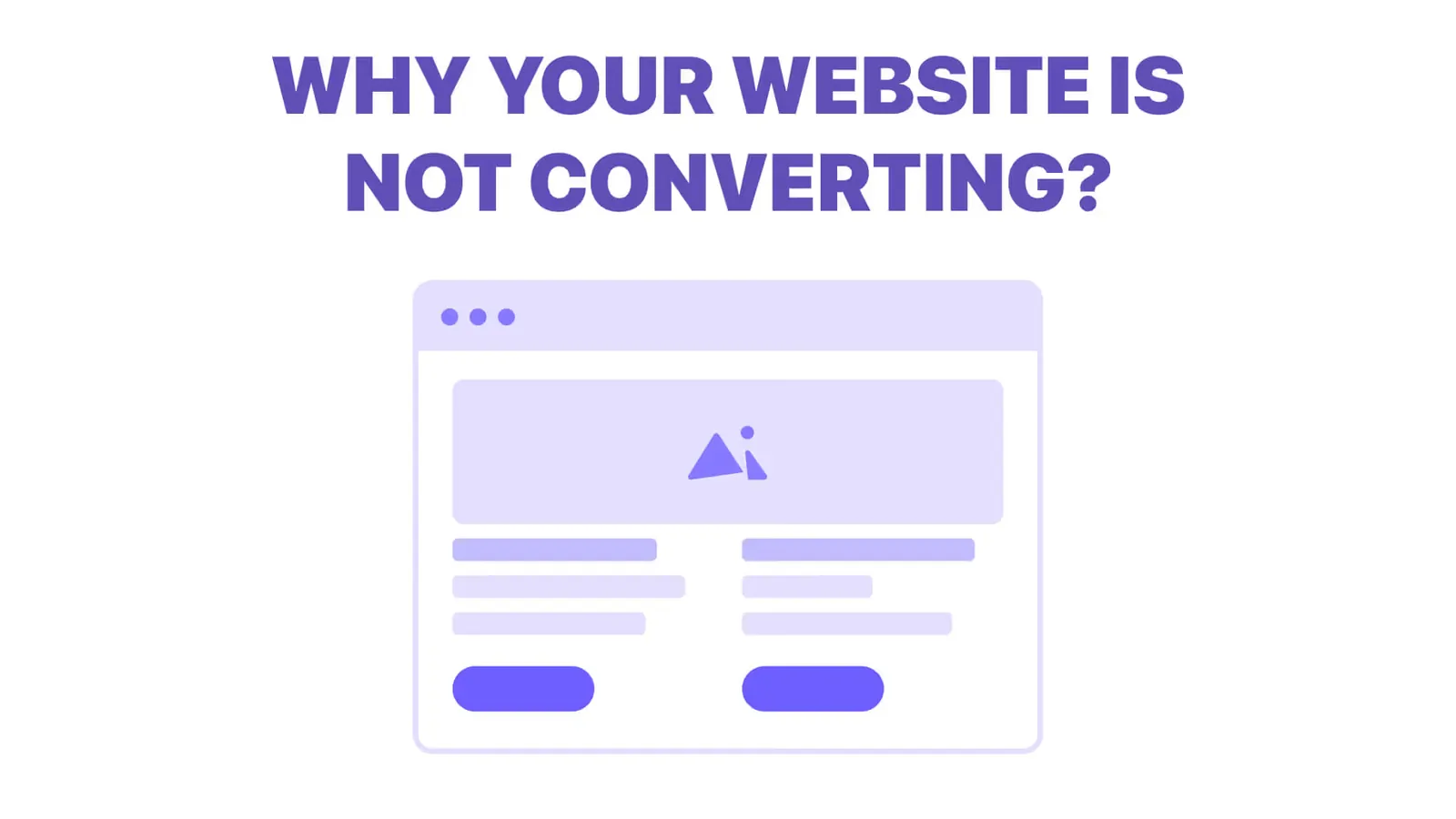
Traffic but no enquiries? Here is how to find where visitors drop off, the eight reasons a site stops converting, and a two-week plan to fix it.
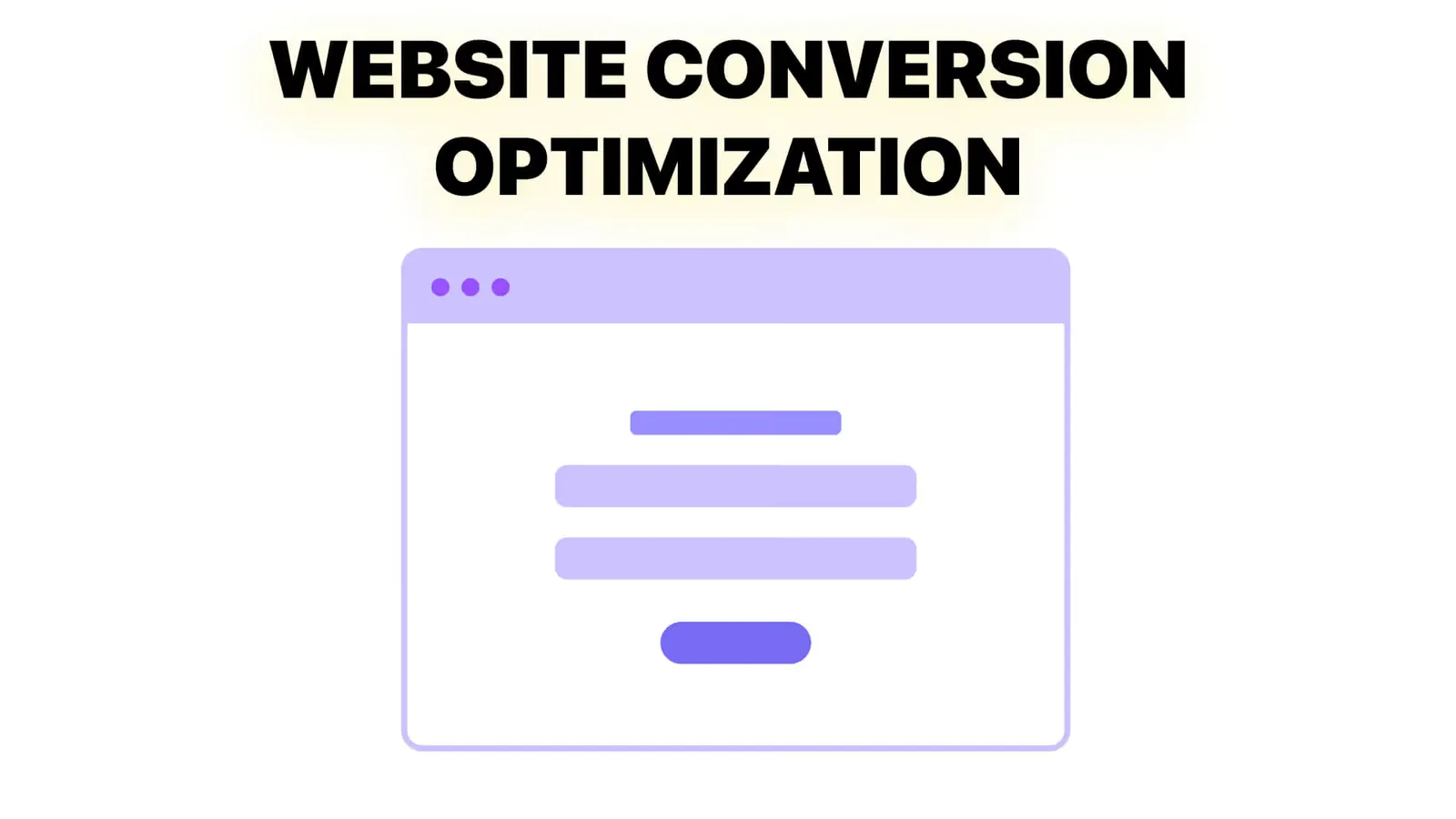
Conversion optimization from zero: what to measure, how to set up tracking, how to choose what to fix first, and how to run a change without fooling yourself.