
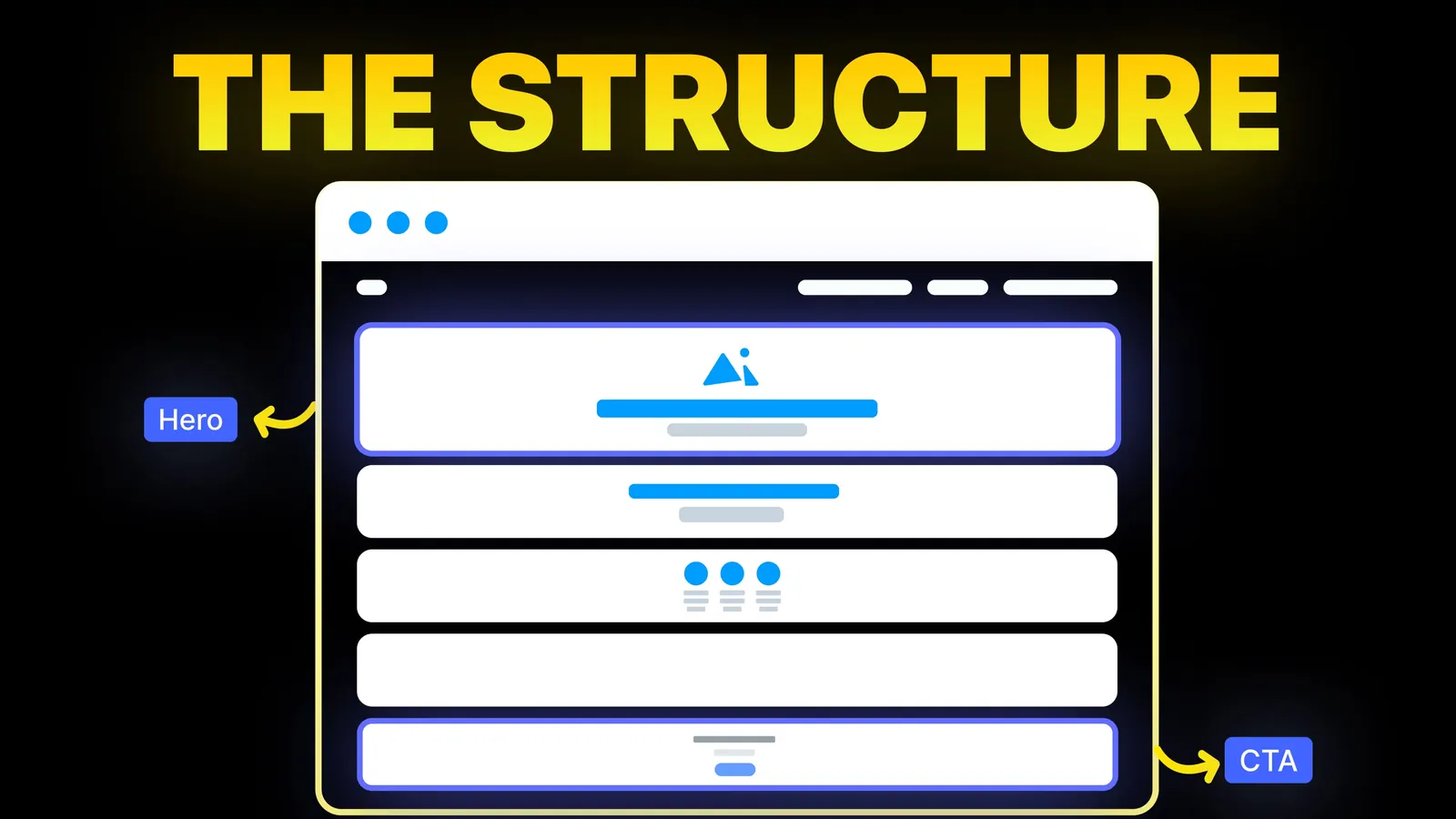
How to Turn Your Website Into a High-Converting Sales Machine
The structure behind a website that sells: the five decisions that carry conversion, the homepage section order, and how to rebuild without losing traffic.
Design
The first screen decides whether anyone reads the second. Here are its five jobs, worked examples, and the patterns that suit different kinds of business.
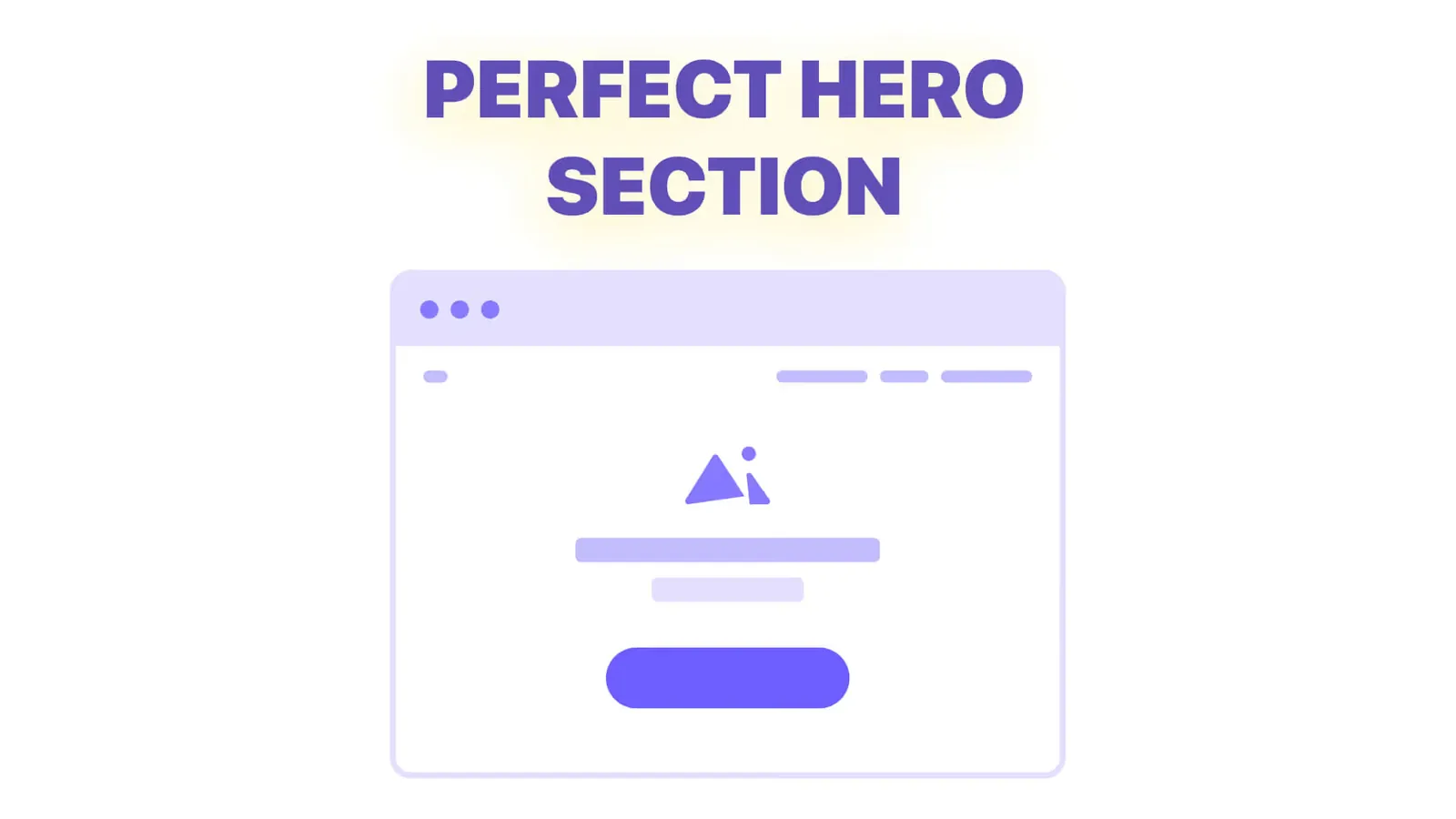
Most visitors decide whether to stay before they scroll. In that moment they are not reading, they are scanning for three answers: what is this, is it for me, and what do I do next. A hero section that answers those three earns the scroll. One that opens with a slogan, a slider or a stock photo of a handshake asks the visitor to do the work, and most of them will not.
This post is only about that first screen. How it hands over to the rest of the page is covered in landing page structure that actually converts.
Anything else in the hero competes with those five.
The fastest way to see the principle is to rewrite some real-sounding headlines.
| Before | After | What changed |
|---|---|---|
| Innovative solutions for modern businesses | Bookkeeping for Australian tradies, done before the BAS is due | Named the reader, the service and the deadline |
| Welcome to our studio | Websites for SaaS teams that need more demo requests, not more traffic | Replaced a greeting with an outcome |
| The future of project management | Get every client project out of email and into one board your team will actually use | Swapped a claim for a concrete change |
| Quality you can trust | Same day plumbing across Melbourne's east, with a fixed quote before we start | Made trust specific enough to believe |
None of the "after" versions are clever. They are specific, and specificity is what makes a stranger stop scanning.
| Business | Hero that tends to work | Why |
|---|---|---|
| Service business | Outcome headline, one action, a client strip | The buyer is choosing a partner, so proof matters early |
| SaaS product | Outcome headline plus a real product screen | People want to see the thing before they believe it |
| Ecommerce | Product or category front and centre, price and delivery visible | The decision is about the item, not the brand story |
| Local business | Service, area and phone number above the fold | The visitor is often ready to call right now |
| Paid campaign page | Headline that repeats the ad's promise, form in the hero | Ad traffic arrives mid-thought and wants continuity |
Most traffic is on a phone, and a desktop hero squeezed into a narrow column is the most common reason mobile converts worse than desktop.
Show the first screen, and only the first screen, to five people who do not know your business. Give them five seconds, then take it away and ask: what does this company do, who is it for, and what would you click. If fewer than four can answer all three, rewrite the headline before touching anything else.
Then watch the numbers that matter for a hero: the share of visitors who scroll past the first screen, and the click rate on the primary button. If those move after a headline change, the hero is doing its job. For the wider picture of what to measure, see the beginner guide to website conversion optimization.
If the hero is right and the page still does not convert, the problem is further down. Why your website is not converting walks through where to look next, and the words themselves are covered in the website copy guide.
Long enough to name the outcome and ideally the audience, usually six to twelve words. Short is only better if it stays specific.
An image or product screen that shows the outcome helps. Decoration that says nothing does not. Video is fine as long as the words work without it.
Yes for paid campaign pages and ready-to-act traffic. No for considered purchases, where the page has to explain before it asks.
Only as a quiet text link for readers who are not ready, such as seeing the work or reading the process. Two equal buttons split the decision.
Whenever the offer or the audience changes, and otherwise when the numbers say it is not working. Changing it for novelty mostly resets what you have learned.

The structure behind a website that sells: the five decisions that carry conversion, the homepage section order, and how to rebuild without losing traffic.
A step by step method for website copy that sells: collect customer language, build a message hierarchy, write the headline, body and calls to action, then edit.
Twelve signs your website needs a redesign, each with a five-minute test you can run yourself, plus five problems that need a fix instead of a rebuild.