
Services
Webflow integrations that just work.
Stripe, HubSpot, Zapier, analytics and custom tools connected to your Webflow site, so leads, payments and data land where your team needs them.
What you get
What Webflow integration includes.
Your CRM, payments, automation and analytics connected to Webflow, so every lead and transaction lands where it should.
CRM integration (HubSpot and similar)
Form submissions created as contacts with the right owner, source and fields.
Automation workflows (Zapier)
Repetitive steps automated between Webflow and your other tools.
Payments and checkout (Stripe)
Card and bank payments, subscriptions or deposits, tested end to end.
Analytics and tracking setup
Events and conversions tracked the way your team reports on them.
Form and lead routing into your tools
Leads sent to the right person, channel or pipeline automatically.
Custom tools and API connections
Bespoke connections when an off-the-shelf integration is not enough.
Overview
Your tools, connected properly.
A website that looks finished can still leak value in the plumbing: form fills that land in an inbox nobody checks, campaign data lost on the way to the CRM, payments that need manual follow-up.
We map where every submission and transaction needs to go, then connect Webflow to your tools properly, with hidden fields for campaign tracking, validation and error handling. Then we test every path, including the unhappy ones.
Your team gets reliable data, and sales stops arguing with marketing about the numbers.
Is it right for you
Who Webflow integration is for.
Integration work ranges from a few days for a single connection to several weeks for multi-step workflows and payments. Scope depends on the number of tools and the edge cases involved.
A good fit if
- Form fills are not reaching your CRM cleanly
- You want to take payments on your Webflow site
- Manual copy and paste between tools is eating your team's time
Probably not the right fit if
- You need a full custom web application
- You have not chosen your CRM or payment provider yet
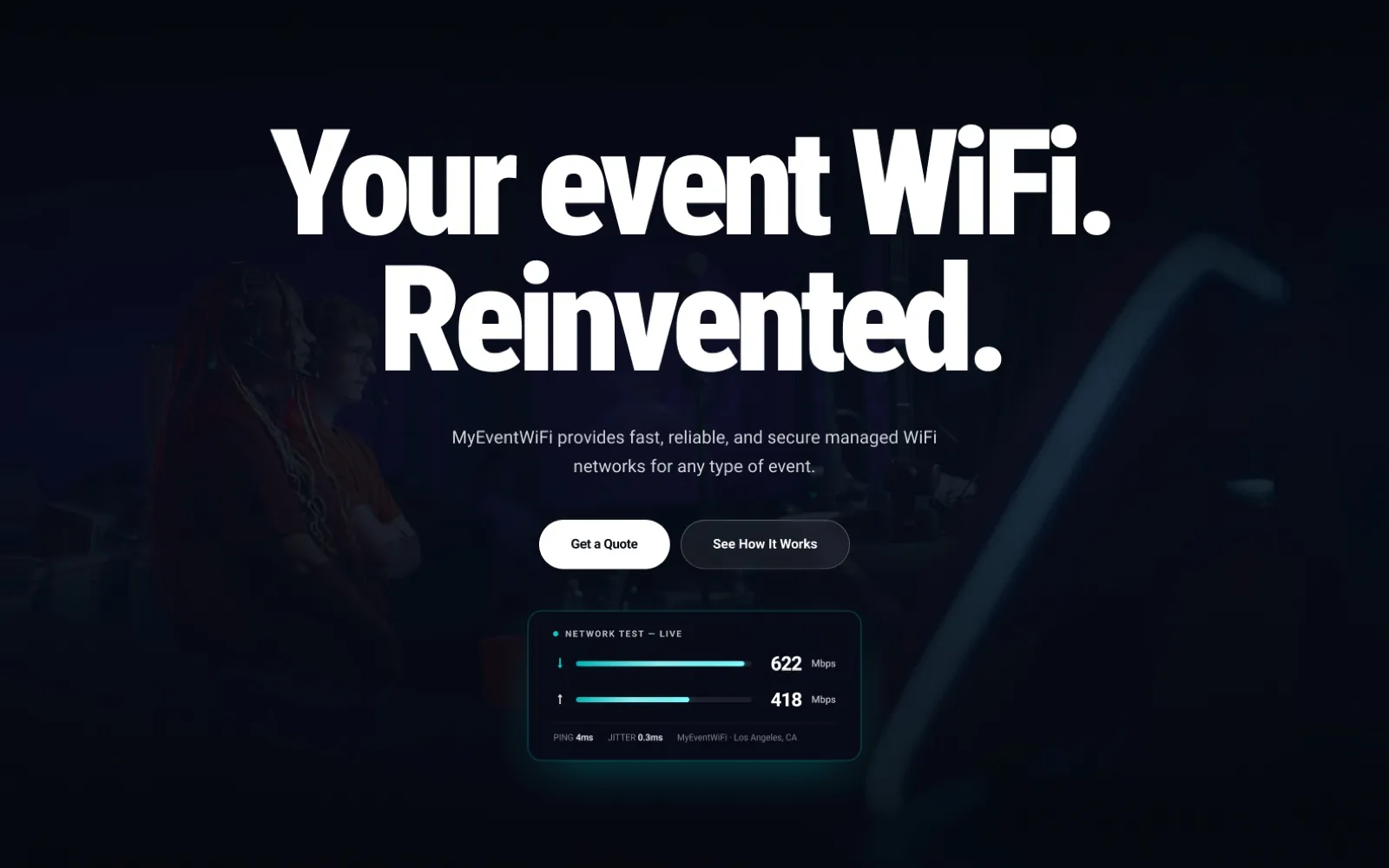
Related work
MyEventWiFi
Nine pages rebuilt in Webflow, with Stripe card and ACH payments and a three-path onboarding wizard.
How it works
How it works
From first call to launch, in four clear steps.
Every project follows the same path, so you always know what happens next and what you get at each step.
-
Step 1 of 4
Discovery
One short call about your goals, your audience and your timeline. No packages to squeeze into.
- Goals and audience
- Sitemap and scope
- Platform recommendation
You getA clear scope and a tailored proposal.
-
Step 2 of 4
Design
Positioning and structure first, then the visual design in Figma. Nothing is built until you approve it.
- Wireframes and structure
- Visual design in Figma
- Refinement until approval
You getA design you approve before a line is built.
-
Step 3 of 4
Build
Built on the platform that fits the job, with the same care on mobile as on desktop.
- Development and CMS setup
- Motion and interactions
- QA on every breakpoint
You getA fast, responsive site your team can edit.
-
Step 4 of 4
Launch & grow
Launch, a short handover so your team is independent, then help whenever you want it.
- Launch and redirects
- Short team handover
- Ongoing maintenance
You getA site your team runs, and a partner when you need one.
Have questions?
Get clarity on scope, timelines and fit.
What teams usually ask before starting Webflow integration with us. Anything else, just ask.

Rahat Khondokar
Founder & CEO
Still have a question?
Talk it through on a short call. You’ll get a straight answer on scope, timeline and fit.
Book a 30-minute callWhich tools can you connect?
Common ones include HubSpot, Salesforce, Stripe, Zapier, Make, Mailchimp and analytics platforms, plus custom APIs where needed.
Can Webflow take payments?
Yes. Through Stripe we can set up card and bank payments, deposits or subscriptions, tested with real scenarios before launch.
Will campaign data reach our CRM?
Yes. We add hidden fields for source, campaign and click identifiers so every lead arrives with its origin attached.
What happens if an integration breaks?
We build in error notifications where the tools allow it, document every connection, and can monitor them as part of maintenance.
Start a project
Have a project in mind? Let's work together.
Tell us what you need from Webflow integration. A short discovery call comes first, then a clear scope and a tailored proposal.
Prefer to talk it through? Book a 30-minute call and skip the form.
Book a 30-minute call- [email protected]
- Phone
- +1 307-310-6895
What happens next
- We read every enquiry ourselves.
- You hear back within one business day.
- If it looks like a fit, a short discovery call.