

Case study
An event WiFi company that books and bills from its own website
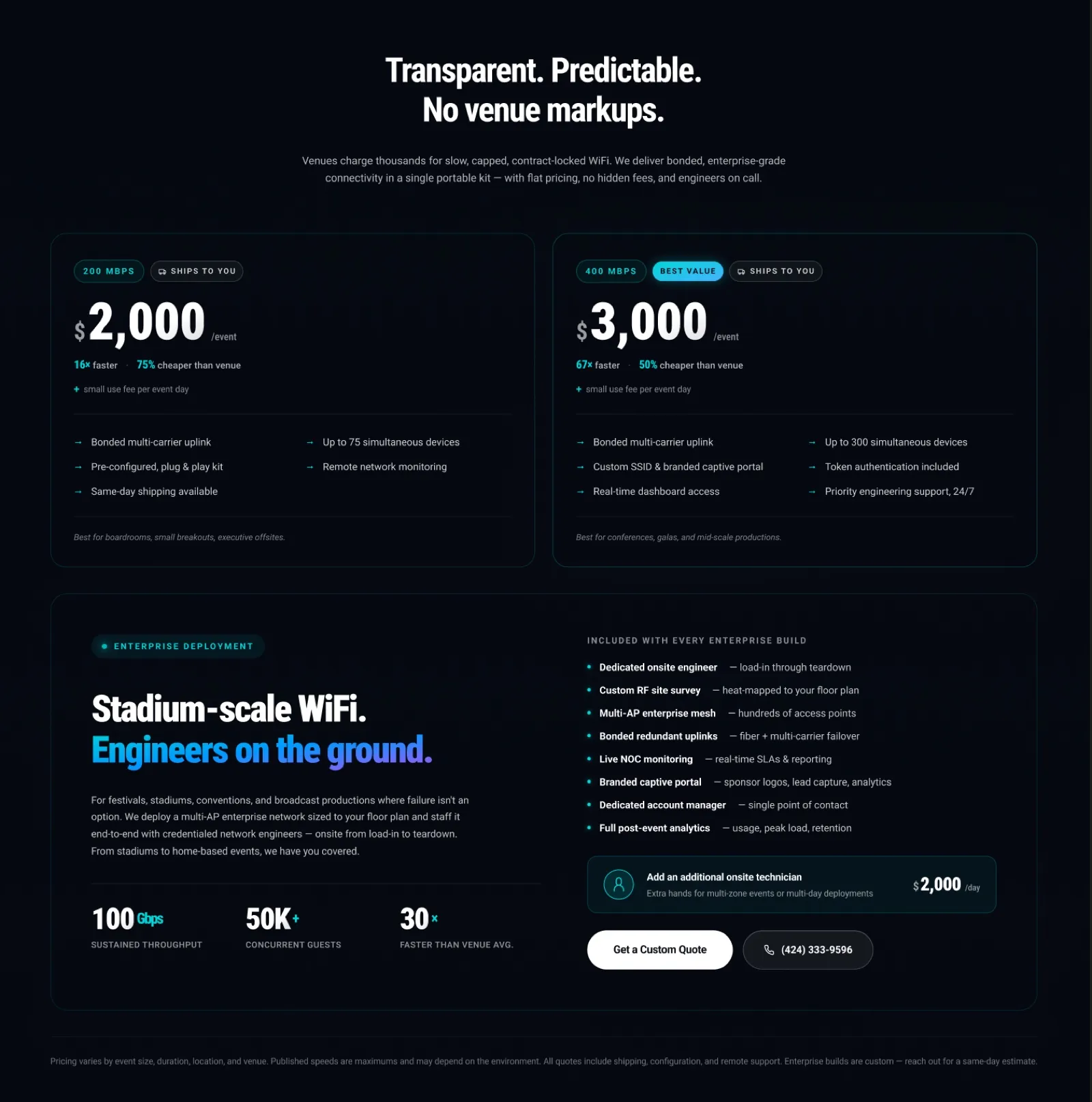
MyEventWiFi keeps conferences, trade shows and live broadcasts online. The design was theirs. We developed it: nine pages built natively in Webflow, then Stripe payments and a smarter onboarding wizard, so a booking and its payment arrive together.
In short
- The business
- MyEventWiFi runs the internet behind conferences, trade shows, live sport and broadcasts, from a shipped plug-and-play kit to engineers on site.
- Who designed it
- MyEventWiFi designed the site. Our job was development: turning their design into a polished, enterprise-level Webflow site, then adding payments and onboarding.
- The site
- Nine pages built natively in Webflow: the homepage, contact, five client case studies and two onboarding pages, all editable by the team.
- The payments
- Stripe card and bank payments inside the onboarding forms. Card fees are added so the business always receives the amount it quoted.
- The wizard
- A multi-step onboarding form with three paths that asks only the questions that fit the job, shipped kit or engineers on site.
- Where it stands
- Live on myeventwifi.com and taking real payments.
Who MyEventWiFi is
MyEventWiFi, based in Los Angeles, provides managed WiFi for events. It bonds cellular, Starlink and wired connections into one signal, so a conference, a product launch or a live broadcast stays online even when one source drops. Smaller events get a pre-configured kit shipped to the venue. Large ones get a network designed for the floor plan and engineers on the ground from load-in to teardown.
Its buyers are event producers, marketing teams and broadcast crews, many working for well-known brands. They are used to paying the venue for slow, capped WiFi, and they need to trust a new supplier with the one thing that cannot fail on the day.
The brief
The design came from MyEventWiFi. The founder arrived with the pages already designed and a clear standard for the build: a polished, enterprise-level site that looked as serious as the brands MyEventWiFi serves. Our job was development. We turned their design into a real Webflow website the team could run, and then made it take bookings and money without anyone chasing invoices.
The work happened in three stages between July and September 2026: the site, then payments, then a smarter onboarding flow.
Stage one: nine pages, built properly in Webflow
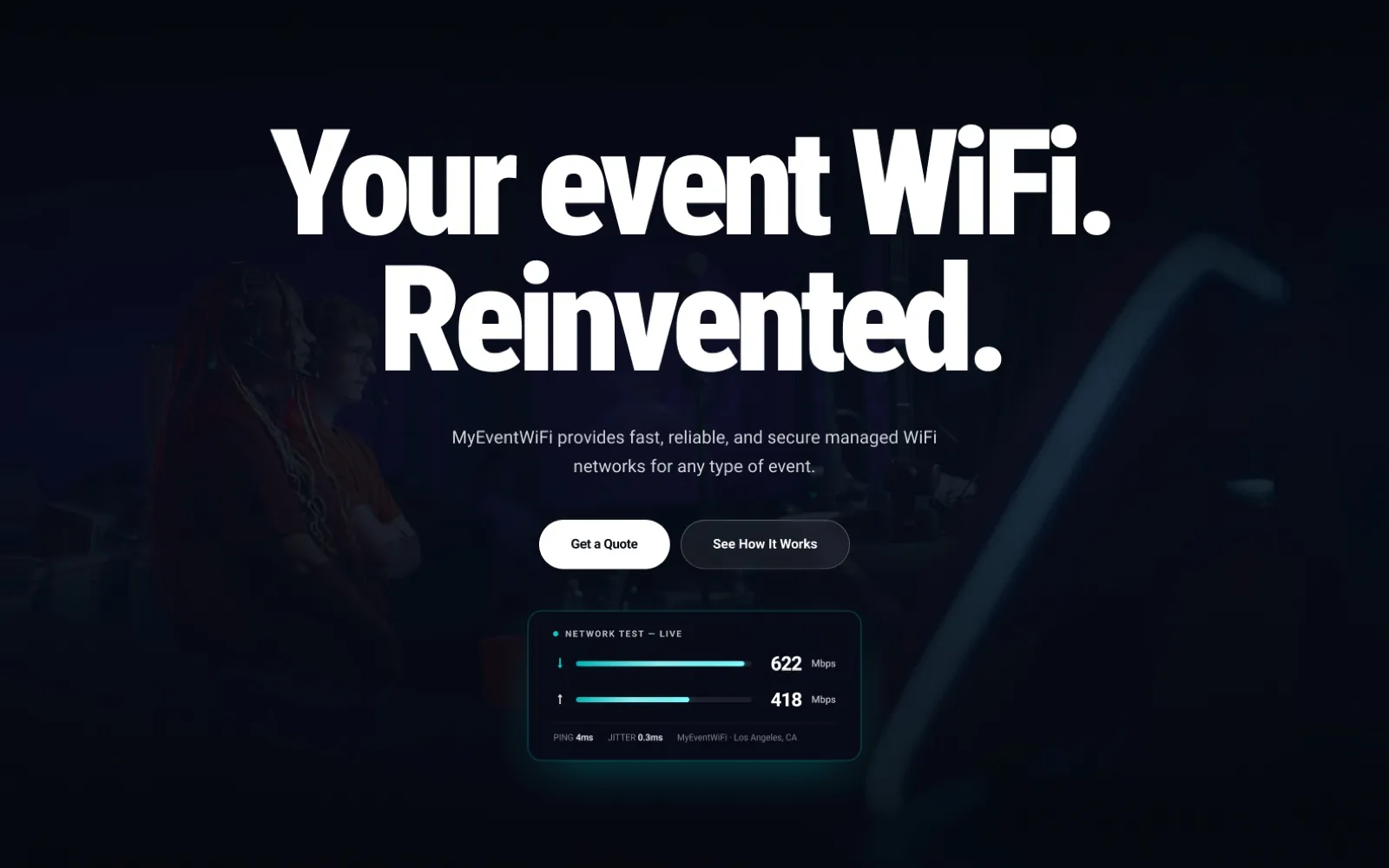
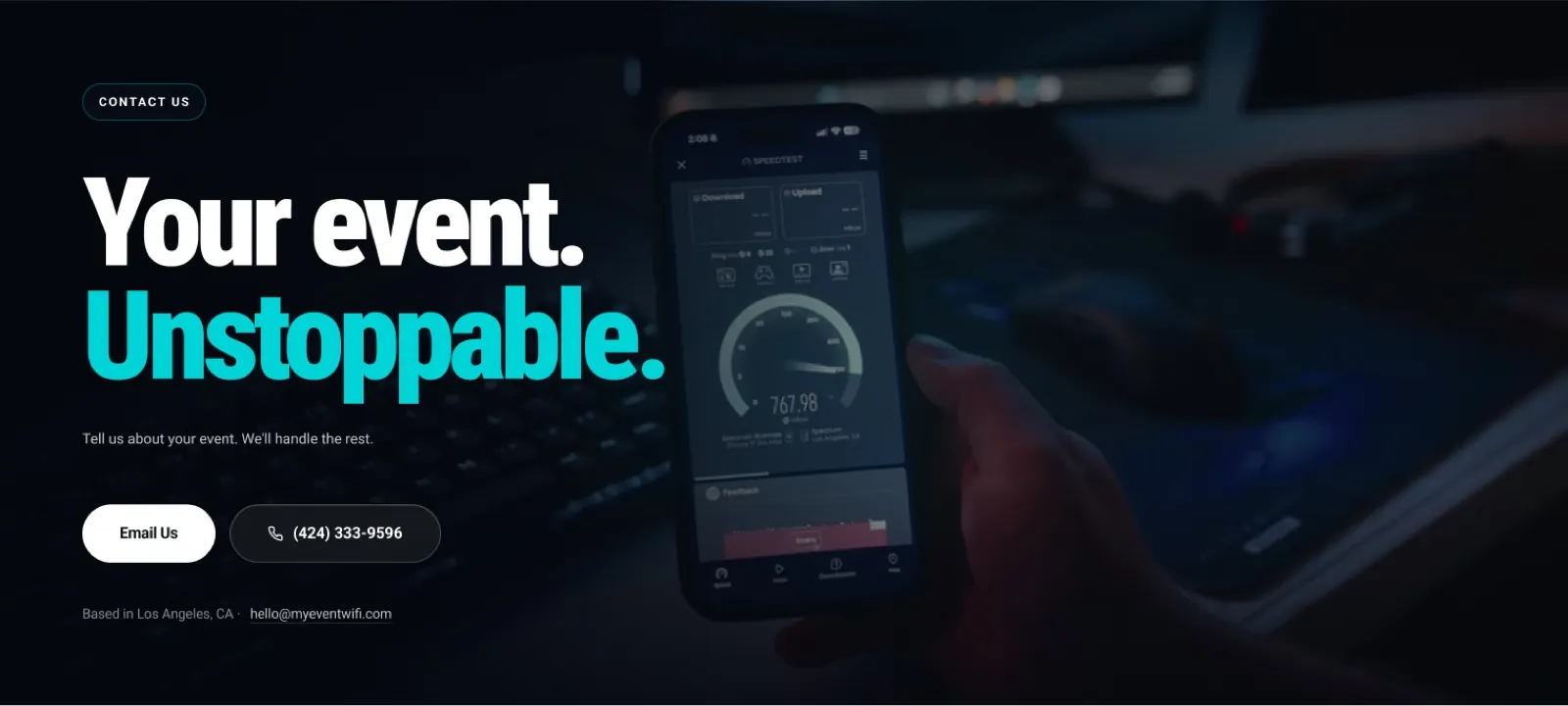
MyEventWiFi's design leads with Your event WiFi. Reinvented. and a live-style network test card showing download and upload speed, ping and jitter. Our part was to build it so it behaves as well as it looks: the large display type holding its shape on every screen size, the dark photographic sections staying readable, and the test card working as a real component rather than a flat image.
Every page was built natively in Webflow rather than pasted in as code, so the team can change text, images, prices and case studies themselves. That includes five client case studies, each with its own page, set up to share one structure so new ones are quick to add.
Five case study pages
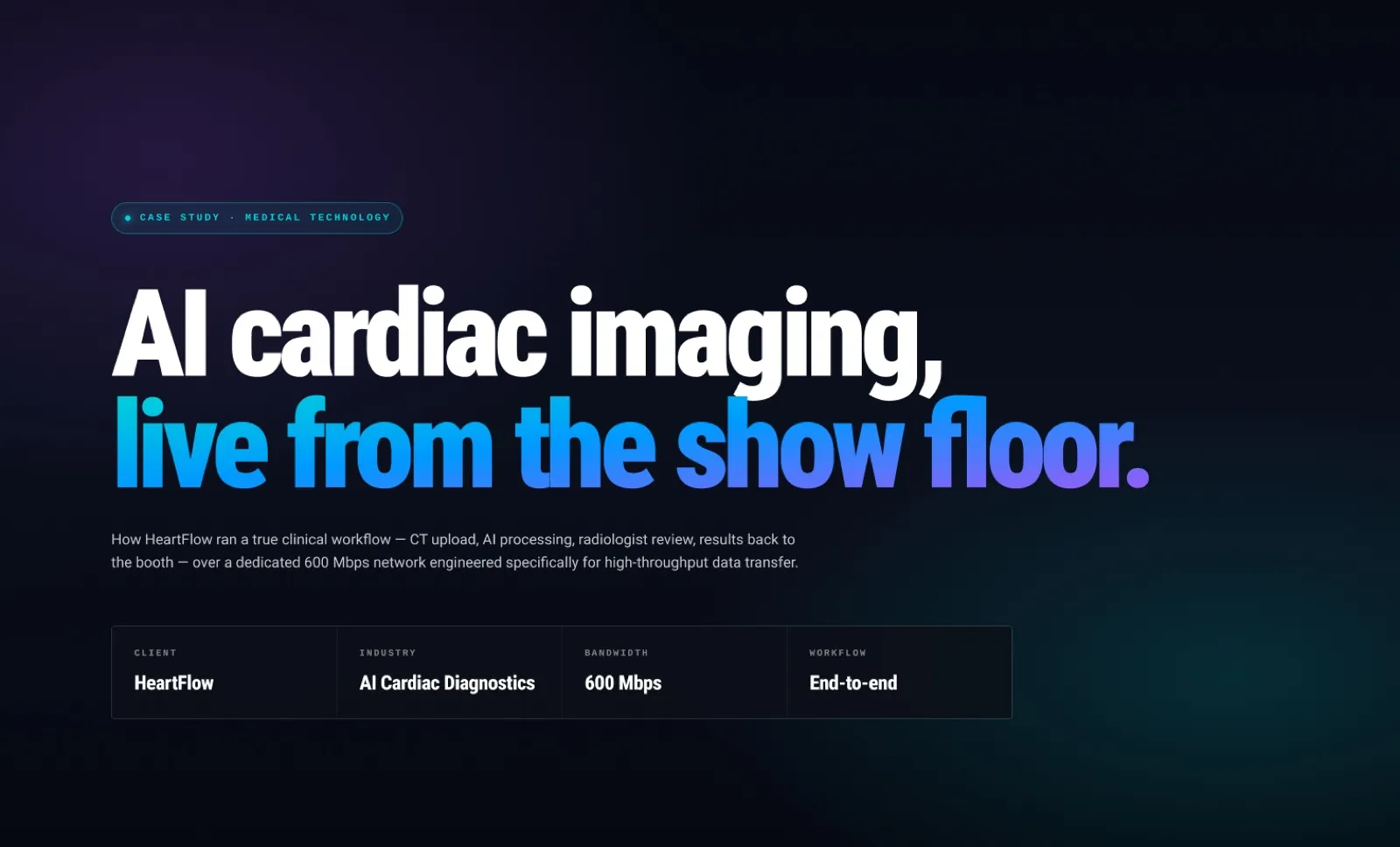
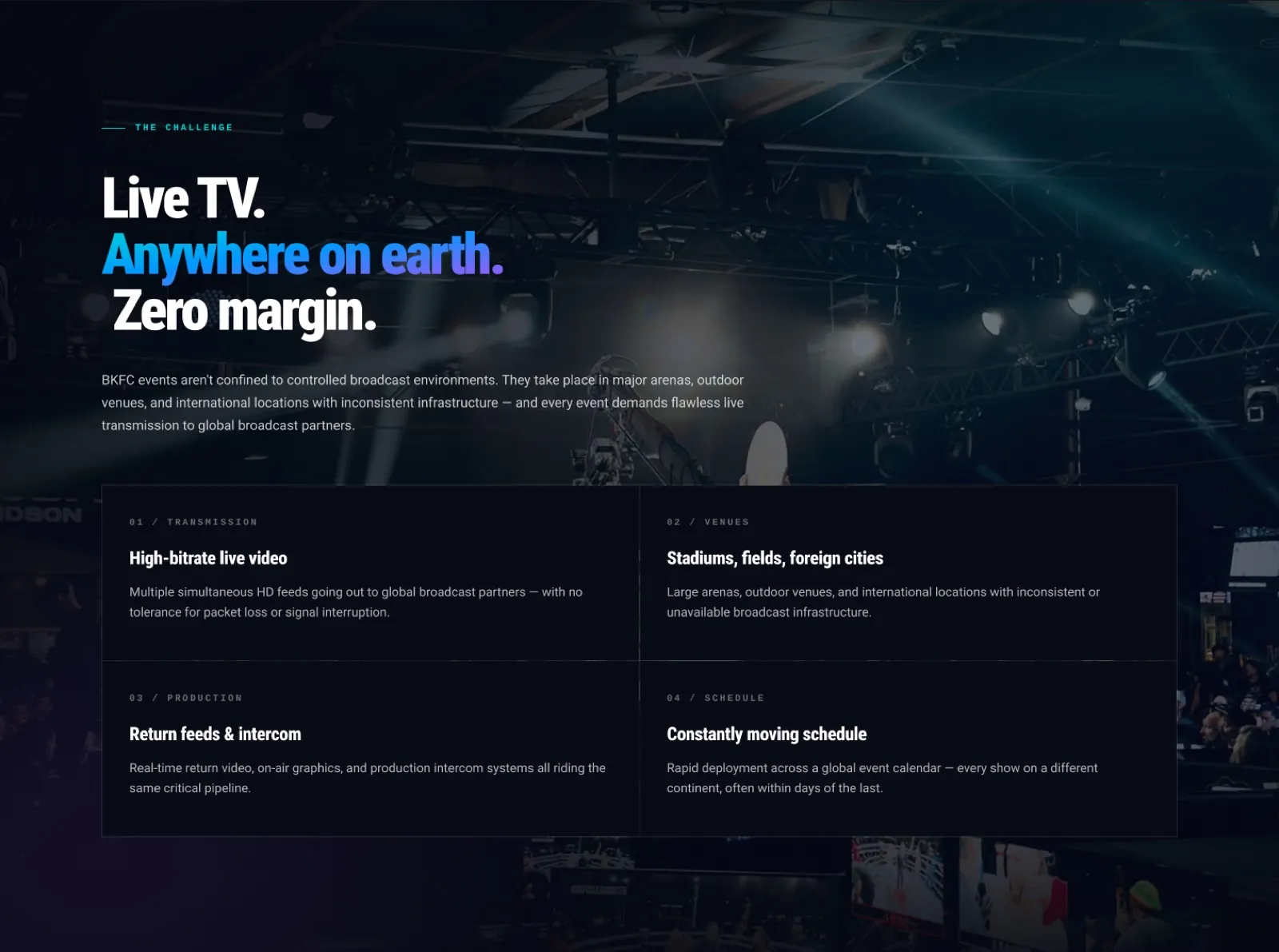
For a supplier like this, the question every buyer asks is simple: have you done an event like mine? MyEventWiFi's design answers it with a full page per client: a headline that names the stakes, a row of facts with the client, industry and bandwidth, then the challenge broken into clear parts.
We built the five pages to one shared structure in Webflow, so every case study keeps the same layout and a new one can be added by filling in the same sections rather than rebuilding a page.
Stage two: payments inside the form
The two onboarding forms, one for shipped kits and one for enterprise events, collected the event details but not the payment. We added Stripe to both, so a customer can fill in the event details and pay in one step, by card or by bank transfer, or choose to be invoiced. The payment reference always arrives attached to the form submission, so nobody has to match payments to events by hand.
Three decisions made it safe and fair:
- The browser never decides the price. Webflow cannot run server code or hold a Stripe secret, so a small Cloudflare Worker checks the amount and creates the charge.
- Card fees are added, not absorbed. The card total is calculated so that after Stripe's fee the business receives exactly the amount it quoted.
- Bank payments are cheap and quick to start. Customers can pay by bank transfer with an instant bank login, with no card fee added.
Stage three: an onboarding wizard
Next came a multi-step onboarding wizard with three paths, because a kit in the post and a team of engineers need very different information. The first answers decide which questions come next, so a small booking stays short and an enterprise deployment collects everything the engineers need. The client approved it in September 2026, and it is live on the site.
We also built branded WiFi login pages for individual events, the page guests see when they join the network, which MyEventWiFi now offers as part of its larger packages.
What the client said
We came to Amariq with a wireframe and needed a polished enterprise-level Webflow site that matched the quality of the brands we work with. They delivered exactly that.
Jack Hiniker, founder of MyEventWiFi.
Where it stands
The site is live at myeventwifi.com, the payment forms have been taking real payments since July 2026, and the onboarding wizard went live in September. We have not been given booking or revenue figures, so we do not publish any.
Questions
What people ask about this project.
Did Amariq design the MyEventWiFi website?
Development, not design. MyEventWiFi designed the site; we built its nine pages in Webflow, added Stripe card and bank payments inside the onboarding forms, built a three-path onboarding wizard, and made branded WiFi login pages for events.
How do you add Stripe payments to a Webflow form?
Webflow cannot keep a payment secret or run server code, so the payment runs through a small Cloudflare Worker. The form sends the details, the Worker checks the amount and creates the charge, and the payment reference is attached to the form submission.
That keeps the price out of the visitor's hands and means every payment arrives already matched to its booking.
Who pays the card fee?
The customer. The card total is calculated so that, after Stripe's fee, MyEventWiFi receives exactly the amount it quoted. Bank transfer adds no fee, which gives customers a cheaper option.
Why build a multi-step form instead of one long form?
Because a small shipped kit and an enterprise deployment need very different information. The wizard's first answers decide what comes next, so small bookings stay short and large ones still collect everything the engineers need.
Can the MyEventWiFi team edit the site themselves?
Yes. Every page is built natively in Webflow, not pasted in as code, so text, images, prices and case studies can all be changed in the Webflow editor.
Are there results for this project?
The site is live and taking real payments. We have not been given booking or revenue figures, so we do not publish any.
Next case study