
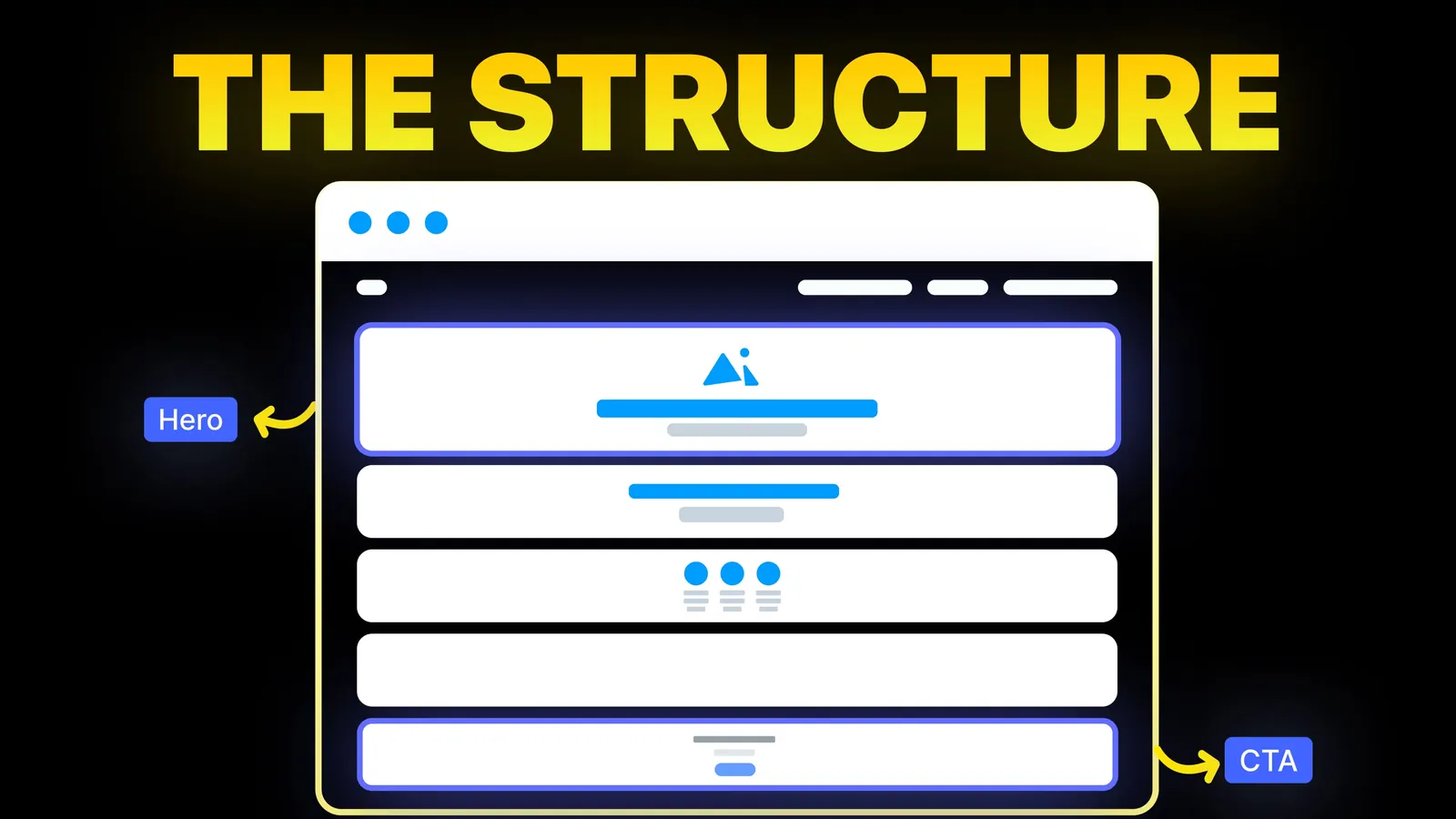
How to Turn Your Website Into a High-Converting Sales Machine
The structure behind a website that sells: the five decisions that carry conversion, the homepage section order, and how to rebuild without losing traffic.
Web Design
A redesign should change how your site looks and works, not where your search traffic goes. This checklist follows Google's guidance on site moves, adds a content triage, a redirect map and a 90 day monitoring plan, and draws on our own move of amariq.com on 24 September 2026. Checked October 2026.

A search engine knows your site by its addresses. When a page moves and nothing tells Google where it went, the page's history stays with the old address and the new one starts from nothing. Most of the damage in a redesign comes from five avoidable causes:
If you are not yet sure a redesign is the right move, run the tests in our guide to the signs a website needs a redesign first.
You cannot tell whether a redesign worked without a before. Export these in the week before work starts:
Save the files somewhere that is not the site you are about to change.
Google's site move guidance suggests collecting addresses from more than one source, because no single list is complete. Combine:
Put them in one sheet. This list is the starting point for everything that follows.
For every address, decide one of four outcomes. The rules below are ours, so adjust them to your site.
| Outcome | When it applies | What happens to the URL |
|---|---|---|
| Keep | It earns traffic, links or enquiries and the content is accurate | Same address, improved content |
| Merge | Two or more pages answer the same question | Redirect the weaker addresses to the stronger page |
| Rewrite | It earns traffic but the content is thin or old | Same address, new content |
| Retire | No traffic, no links, no purpose | Return a proper "gone" response, or redirect to the closest relevant page |
Two cautions. Do not delete a page only because it looks dated. If a page ranks, rewrite it and keep the address. And do not merge pages that serve different questions, because the merged page will serve neither well.
The map is a spreadsheet with one row per old address. These columns are enough:
| Old URL | New URL | Outcome | Redirect type | Clicks, 12 months | Linked from | Tested |
|---|
Rules from Google's guidance on moving a site with URL changes:
Work through this on the staging site, with search engines kept out of it:
A calm launch is one where each step is written down and has an owner.
robots.txt. It should block only what you meant to block.Compare against your baseline at fixed points. The "investigate when" column is our own rule of thumb, not a Google threshold.
| When | What to check | Investigate when |
|---|---|---|
| Day 1 | Redirects, key pages, forms and analytics | Any top page returns an error or a no-index tag |
| Day 3 | Search Console page indexing, sitemaps report | New addresses are not being picked up |
| Week 1 | Clicks and impressions on the top 20 pages | A top page has dropped to nothing |
| Week 2 | Crawl errors, enquiries per 100 visits | Errors on addresses that should redirect |
| Week 4 | Clicks against your 12 month baseline | Clicks sit well below the usual range for the month |
| Day 90 | Rankings for your main queries, speed, enquiries | A page you kept is losing position to a competitor |
Google notes that there are no fixed crawl frequencies and that how fast it crawls depends on the site. Expect movement over weeks, not days, and look at trends instead of single days.
Keep the redirects live. Google's guidance says to keep them for as long as possible, generally at least one year, to let it transfer signals and reassign links from other sites.
On 24 September 2026 we moved amariq.com from Webflow to a hand-coded static site on Cloudflare. We applied the same method: every address that was public kept its address, the few that changed got a permanent redirect, and the redirect file now holds 14 live rules. The domain stayed registered where it was, the DNS moved to Cloudflare with the email records copied exactly, and the Search Console and Analytics properties stayed the same, so the history did not reset. The full story, with costs, is in Webflow vs a static site on Cloudflare.
A platform change adds risk, because the way URLs are built can differ. Keep this in mind:
At Amariq, the first call is about your goals and what is holding the site back, and the proposal includes the redirect plan. Our conversion-focused redesign starts with positioning and structure, and our Webflow migration service covers the redirect map and launch checks for any platform change. Milestones and a delivery date are agreed before work starts, and a short handover means your team can run the site afterwards. For planning, see how long a website redesign takes.
It can, if addresses change without redirects, ranking pages are deleted, a staging no-index tag stays live or the new site is slower. It does not have to. Keep the addresses that rank, redirect any that must move, test on staging and compare Search Console before and after.
You need one for every address that changes and that has traffic, links or enquiries. Pages with no value can return a proper "gone" response. If an address stays the same, it needs no redirect. Map every changed address to its closest equivalent, and do not send them all to the home page.
Google's guidance says to keep them for as long as possible, generally at least one year, so it can transfer signals to the new addresses. From a user's point of view, consider keeping them indefinitely.
It depends on the site, and Google says there are no fixed crawl frequencies. Expect movement over weeks. If the redirects work, the pages are indexable and the content matches, most of the change comes from how quickly Google recrawls your pages.
Not for a redesign on the same domain. Submit the new sitemap and test your redirects. Google's Change of Address tool is only for moving from one domain or subdomain to another, and it is not needed for HTTP to HTTPS, a www switch or paths moving within the same domain. UK businesses should also read our UK website redesign guide for VAT, cookie and price rules.
If you can, separate them. A platform change alters how addresses and templates are built, which adds risk. If both must happen together, keep the address structure the same and test the full redirect map on staging.
Check whether they have links or serve a purpose, such as a legal page. If not, retire them with a proper "gone" response, or redirect them to the closest relevant page. Do not keep them just to keep the count.
Check the basics first: redirects return a permanent redirect to the right page, the new pages are indexable and have no leftover no-index tag, canonical tags use the final addresses and the sitemap is submitted. Then compare the pages that dropped with your baseline.

The structure behind a website that sells: the five decisions that carry conversion, the homepage section order, and how to rebuild without losing traffic.
How long a website redesign takes: nine published studio ranges, where the weeks go, the time you give, and a planner that works back from your launch date.
Traffic but no enquiries? Here is how to find where visitors drop off, the eight reasons a site stops converting, and a two-week plan to fix it.