
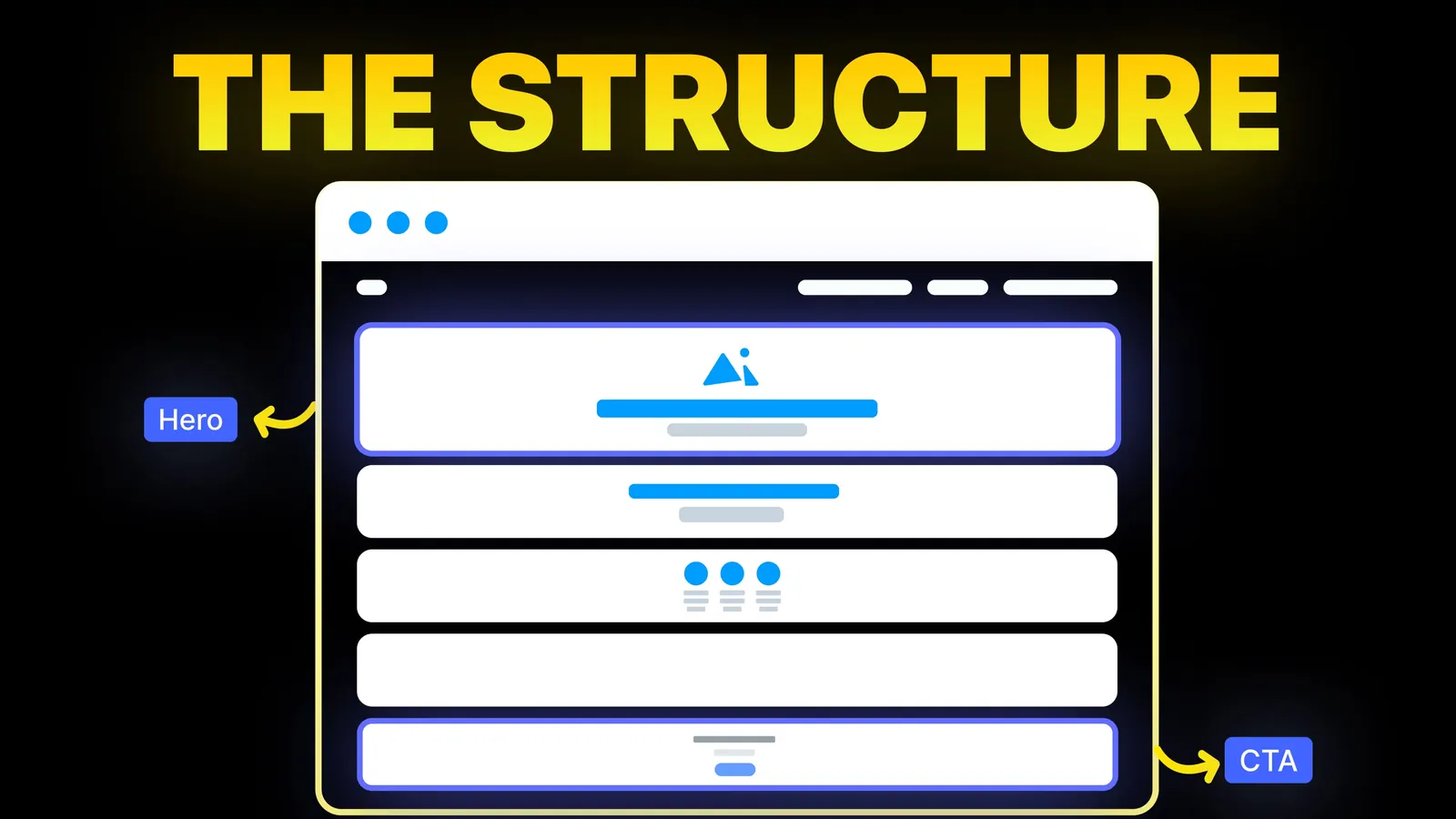
How to Turn Your Website Into a High-Converting Sales Machine
The structure behind a website that sells: the five decisions that carry conversion, the homepage section order, and how to rebuild without losing traffic.
Web Design
The pages that rank for this search are mostly galleries of attractive contact pages. A gallery shows you a look, not the decisions behind it: which fields to ask, how to label them, and what the visitor sees after pressing send. This guide covers those decisions, using the contact form on amariq.com as a worked example, read on 23 October 2026.
A good contact page has five parts: a one-line promise of what happens next, a short form, two or three other ways to reach you, a few lines of reassurance, and a clear confirmation after sending. Everything else is decoration. The form should ask only for what you need to reply, label every field, and tell the visitor how long a reply takes.
Who is writing: Amariq is a web design studio, and we built the contact form we describe below. We are not neutral about it, so we list what it does, not how well it performs.
On 23 October 2026 we looked at the results Google showed for "contact page design": Dribbble, Awwwards, Pinterest, Wix, Webflow, HubSpot and JetFormBuilder. We read Wix's guide, "15 contact us page examples", in full through a fetch tool. It lists 15 examples, gives sensible best practices such as short forms and action-led button text, and quotes one statistic, that 44% of visitors leave if contact details are hard to find, sourced to another company's blog. We could not check that figure, so we do not repeat it.
Three things were thin across the pages we saw:
| Part | What it does | Our suggestion |
|---|---|---|
| Opening line | Tells the visitor what to expect | One sentence on who replies and how soon |
| Form | Collects the enquiry | Four to six fields, each with a visible label |
| Other routes | Serves people who dislike forms | Email, phone, and a booking link if you take calls |
| Reassurance | Removes doubt | A reply time, a short "what happens next" and a privacy link |
| Location or hours | Helps local visitors | Only if people visit in person or call at set times |
| Confirmation | Closes the loop | A clear message after sending, and an email fallback |
For the button on the form, see our call to action examples for small business websites.
Start with the question: what do you need in order to reply well? Then add nothing else.
| Field | Keep or drop | Why |
|---|---|---|
| Name | Keep | You need to address the reply |
| Keep | It is how you reply | |
| Phone | Optional | Useful for urgent trades, but a barrier for people who prefer email |
| Message | Keep | One open box, with a prompt about what to include |
| Topic or service | Keep if you offer several | Sends the enquiry to the right person |
| Budget | Only if it changes your reply | Explain why you ask |
| Company, job title, address | Usually drop | Can be found later |
| Consent or privacy line | Keep | Link to your privacy policy |
The decision rule from Nielsen Norman Group's form article (dated 1 May 2016): remove fields you can derive elsewhere, collect later, or drop. Label the one or two you keep optional as optional.
These come from W3C and NN/g pages we read on 23 October 2026.
for value matches the field's id. It can be visually hidden if the context is clear, but it should stay in the code. It says the title attribute is generally less reliable and not recommended as a label.autocomplete attribute, with values like name and email, is the technique W3C lists.You can check text and button colours with our colour contrast checker.
We read our own contact page and its script on 23 October 2026. This is a description of what it does, not a performance claim.
| Part | What it does |
|---|---|
| Opening | A short line saying a discovery call comes first, then a proposal if we are a good fit |
| Routes | A booking button, an "Email us instead" link, an email address and a phone number |
| Promise | "You hear back within one business day" |
| Fields | Full name, email, service, budget range and project details are required. A WhatsApp number and current website are optional and marked as such |
| Labels | Every field has a visible label tied to it by for and id; the placeholder text is only an example |
| Autocomplete | Name, email, phone and website carry autocomplete values |
| Budget | The field has a note beside it: "This helps us recommend the right approach. No commitment." |
| Errors | If a required field is empty, a message says which field needs attention and focus moves to it |
| While sending | The button changes to "Sending" and is disabled, so it cannot be pressed twice |
| After sending | The form is replaced by a thank-you message, announced to screen readers, with the reply time and an email for urgent cases |
| If it fails | A message says it did not send and gives an email address to use instead |
Two lessons come out of that list. First, every state of the form has words: waiting, wrong, sending, sent, failed. Second, the page always leaves an exit, because a failed send with no fallback loses the enquiry.
If visitors reach your contact page and still do not write, the cause may be earlier. Our guide to why a website does not convert goes through the other causes, and the landing page structure guide covers the page before the form.
When we build or redesign a site we plan the contact page with the rest: the routes, the fields, the messages and the notification setup. Projects are priced from the scope and never by the hour. We take 40% at the start, 30% when the design is approved and 30% before launch, and on final payment the design, copy and code are yours. Start with our web design service or our Webflow development page.
A line about what happens next, a short form, other ways to reach you such as email, phone or a booking link, a reply time, and a clear confirmation after sending.
As few as you need to reply well. Name, email and a message are enough for many businesses. Add a topic field if you offer several services.
No. W3C recommends a label for each control, and a placeholder disappears once someone types. Use the placeholder only for an example.
For fields about the visitor, such as name, email and phone, WCAG 2.2 criterion 1.3.5 at level AA asks for their purpose to be exposed, and the autocomplete attribute is the usual way to do it.
If your customers like to call, yes, and make it a tap-to-call link on mobile. If you do not take calls, say what you do prefer.
Prefer quiet methods over puzzles that frustrate real people. Whatever you use, test that a real enquiry still arrives, and keep an email fallback.
Show a clear thank-you message with the reply time, move focus to it so screen readers announce it, and send the enquiry to a place you check every day.

The structure behind a website that sells: the five decisions that carry conversion, the homepage section order, and how to rebuild without losing traffic.
Traffic but no enquiries? Here is how to find where visitors drop off, the eight reasons a site stops converting, and a two-week plan to fix it.
Conversion optimization from zero: what to measure, how to set up tracking, how to choose what to fix first, and how to run a change without fooling yourself.