
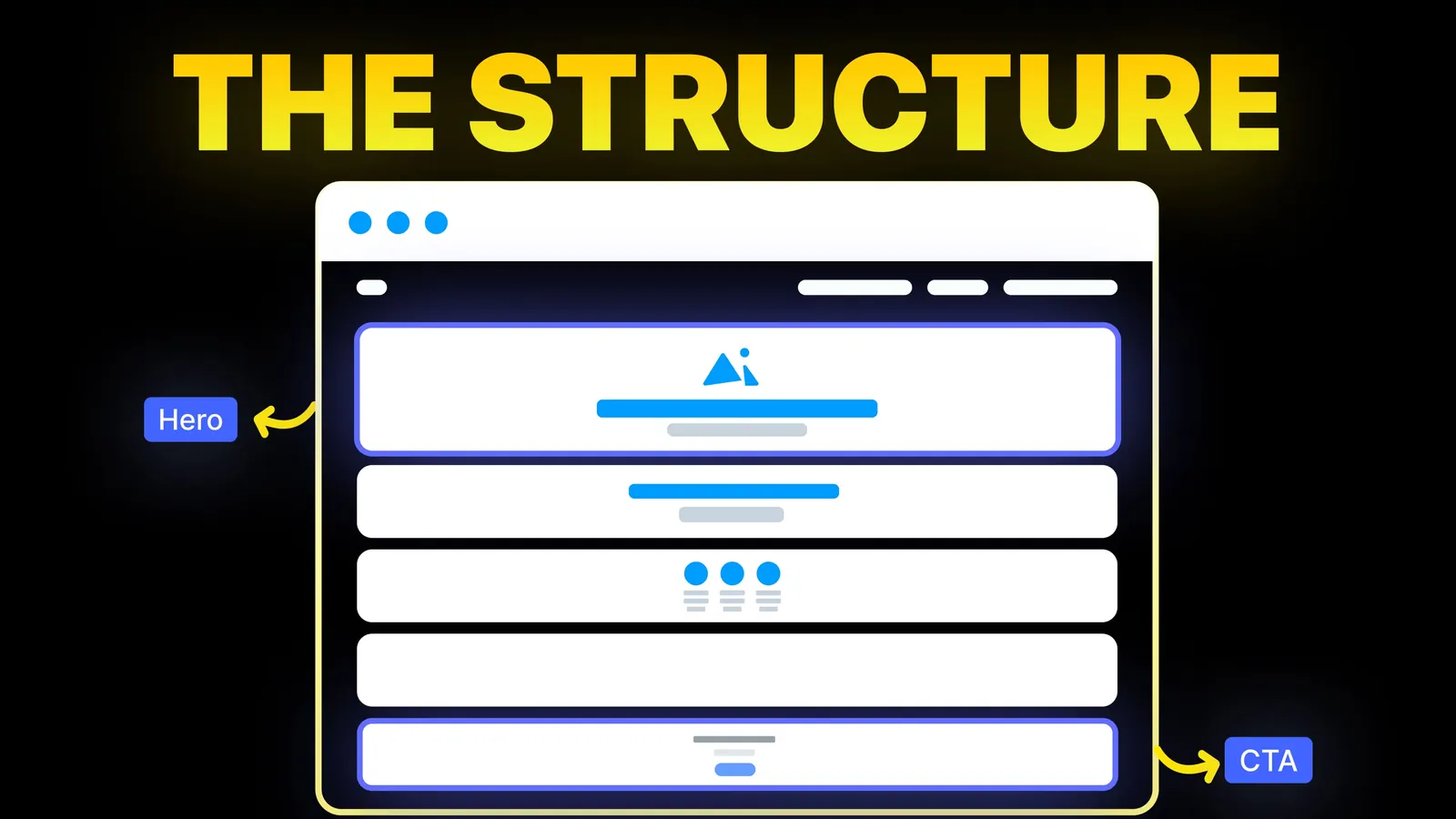
How to Turn Your Website Into a High-Converting Sales Machine
The structure behind a website that sells: the five decisions that carry conversion, the homepage section order, and how to rebuild without losing traffic.
Web Design
Most pricing page guides are written for software, with plan cards and a monthly toggle. A plumber, a cleaner or a photographer cannot use that, because the price changes with the job. This guide shows six layouts that fit service work, how to choose between them, how to build the quote form that sits underneath, and where the law draws a line on price claims. Checked 1 November 2026.
Build the page in this order: a headline that says what the prices cover, the layout that matches your work, what moves the price, sample jobs, what is and is not included, a few money questions, and one quote or booking form. Choose the layout with the table below. If unsure, use a from-price plus sample jobs, which suits most variable work.
Disclosure: we are a web design studio, and this is design reasoning, not a test of which layout brings more enquiries. We have no conversion data and claim none.
On 1 November 2026 we searched Google (United States, English) for this topic. Most of the first page was about software: SaaS pricing roundups, plan card templates and galleries. We read one agency guide written for service firms, from Internet Solutions (marked updated 25 October 2026). It names six approaches: fixed price list, packages, starting-from price, price range, hourly or daily rate, and quote only. A second guide, from vvrapid, would not load, so we left it out.
What the field leaves out is how each approach looks on a page, how to choose between them, what the quote form should ask, and what a visitor sees on a phone. That is the gap here.
Nielsen Norman Group's article "B2B Usability" by Jakob Nielsen (published 31 May 2006) reports that when test users ranked 28 types of information on business sites, prices came out highest, 29% above product availability. It calls a total lack of pricing the most user-hostile element of most B2B sites, and says that when exact prices cannot be listed, a site can show price levels instead. The research is old and covered business-to-business sites, so treat it as a long-standing pattern, not a current benchmark.
| Layout | Use it when | The risk | What to add beside the price |
|---|---|---|---|
| Fixed price list | Jobs are standard and repeat (a haircut, a boiler service, a logo) | Edge cases cause arguments | A short "not included" line |
| Packages (usually three) | Customers need similar work in different amounts | Too many options stall the decision | A "who it is for" line on each |
| From-price | There is a real minimum and scope varies upward | A low number draws the wrong enquiries | What takes it above the minimum |
| Range with cost drivers | You can describe what makes a job cheap or dear | Visitors read only the low end | Which end suits which job |
| Sample jobs | Every job differs but patterns exist | Samples must be real, not invented | Scope in two lines per sample |
| Quote only | Work is one of a kind, regulated or very large | Many visitors leave unasked | Reply time and what you need to quote |
The six approaches follow the list in the Internet Solutions guide, with the layout notes added by us.
A plain table: service on the left, price on the right, one line of detail under each name. If there are more than about eight services, group them and give each group its own table. Rows stack easily on a phone.
Two to four cards. Each card runs in the same order: name, one line saying who it is for, the price, the main button, then a short list of what is included. Mark one as the usual choice only if it really is. On a phone, stack the cards with the recommended one first. Wide comparison tables are hard to read on a small screen, so turn each row into a small block.
Write the number with the word "from" and the condition on the same line: "From $[amount] for [the smallest normal job]". Directly below, list the two or three things that raise it. It suits work with a real floor, such as repairs or photography. The number must be one that real customers get. If most jobs cost three times the from-price, the page is misleading, and the next layout fits better.
Show a low and a high figure and a short table of what places a job at each end.
| Job feature | Pushes the price toward |
|---|---|
| [Size of the job] | the higher end as it grows |
| [Access or difficulty] | the higher end when it is hard |
| [Speed needed] | the higher end for short notice |
| [Materials or extras] | the higher end for premium choices |
The table stops visitors from reading only the low number.
Three cards, each a typical job: a title, two lines of scope, the price paid or the price band, and how long it took. Pick small, middle and large. Only use samples from real work you can describe. Do not invent them.
If you must hide prices, replace the blank with information. Say what the quote depends on, how fast you reply, what the quote includes and whether there is a charge for it. A page that just says "contact us for pricing" tells the visitor nothing. A page that says "Send us these four details and you will have a written quote within [your reply time]" gives them a reason to act. See our contact page design guide for the form side.
For button wording, see our call to action examples. For where this page sits in the site, see our services page design guide.
Ask only for what changes the price.
| Field | Why it earns its place |
|---|---|
| Name and best way to reach you | You cannot reply without it |
| What do you need? (a short list to pick from) | Routes the job to the right price band |
| Size, quantity or location | The usual biggest cost driver |
| When do you need it? | Rush work costs more |
| A free text box, optional | Lets them add what you did not think of |
| Photos or files, optional | Cuts a site visit for many trades |
Under the button, put one line: "We reply within [your reply time] with a written quote." Then keep to it. On Webflow, see our Webflow forms guide. Before building a calculator, see our web design cost calculator note: a table of typical jobs is often enough.
This is not legal advice. Read the sources for the rules that apply to you.
If you use structured data on a pricing page, schema.org defines a price specification with a minimum price, a maximum price, a currency and a flag for whether tax is included (source: schema.org PriceSpecification, checked 1 November 2026). That lets a range be marked up as a range. Google decides whether any markup changes how a result looks, so do not build the page around it.
Keep quote only if the work is different every time or a wrong public number could bind you. Even then, add the reply time and the list of what you need.
This guide does not fit a software subscription with a monthly toggle. For that, see our five page structure for SaaS.
For trade examples, see our guides for cleaners, plumbers and builders. Law firms and therapists should check their regulator's advertising rules first, then read lawyer website design and therapist website design.
We design pricing pages on Webflow, Framer, WordPress and Shopify, and also on Wix, Squarespace and custom builds. The work starts with a question: how much do your jobs vary? From the answer we choose a layout, write the cost-driver list with you, design the cards or tables for desktop and phone, and wire the quote form to your inbox or CRM.See web design and UI/UX and conversion improvements.
Usually yes, at least a starting point or the list of things that set the price. Nielsen Norman Group's older research found price information the most wanted item on business sites. If you cannot, explain how you quote and how fast.
Three is the usual number, sometimes four. More makes the choice harder. If you have many services, group them and give each group its own small table.
A from-price gives only the floor. A range gives the floor and the ceiling. Use a range when you can describe what separates a cheap job from a dear one.
It can be if almost nobody pays that amount. Use a number real customers get and put the conditions beside it. This is not legal advice, so read the FTC guidance linked above.
Only what changes the price: what is needed, the size or quantity, the place, the timing and contact details. Add optional photos, then state your reply time under the button.
Only if the was price is real, meaning you openly offered the service at that price for a reasonable period. Otherwise leave it out.
At least twice a year, and whenever your costs change. Show the date of the last review so visitors know it is current. Keep the figures the same on the pricing page, the service pages, ads and quotes. Our homepage design guide and website redesign cost guide cover the pages around it.

The structure behind a website that sells: the five decisions that carry conversion, the homepage section order, and how to rebuild without losing traffic.
A website audit checklist for small business owners: 30 checks in eight areas, pass lines from Google and W3C pages, and a score sheet. Checked 1 November 2026.

Find out why your website is not showing on Google. Check indexing first, then match your Search Console status to Google's own reasons and fixes.