
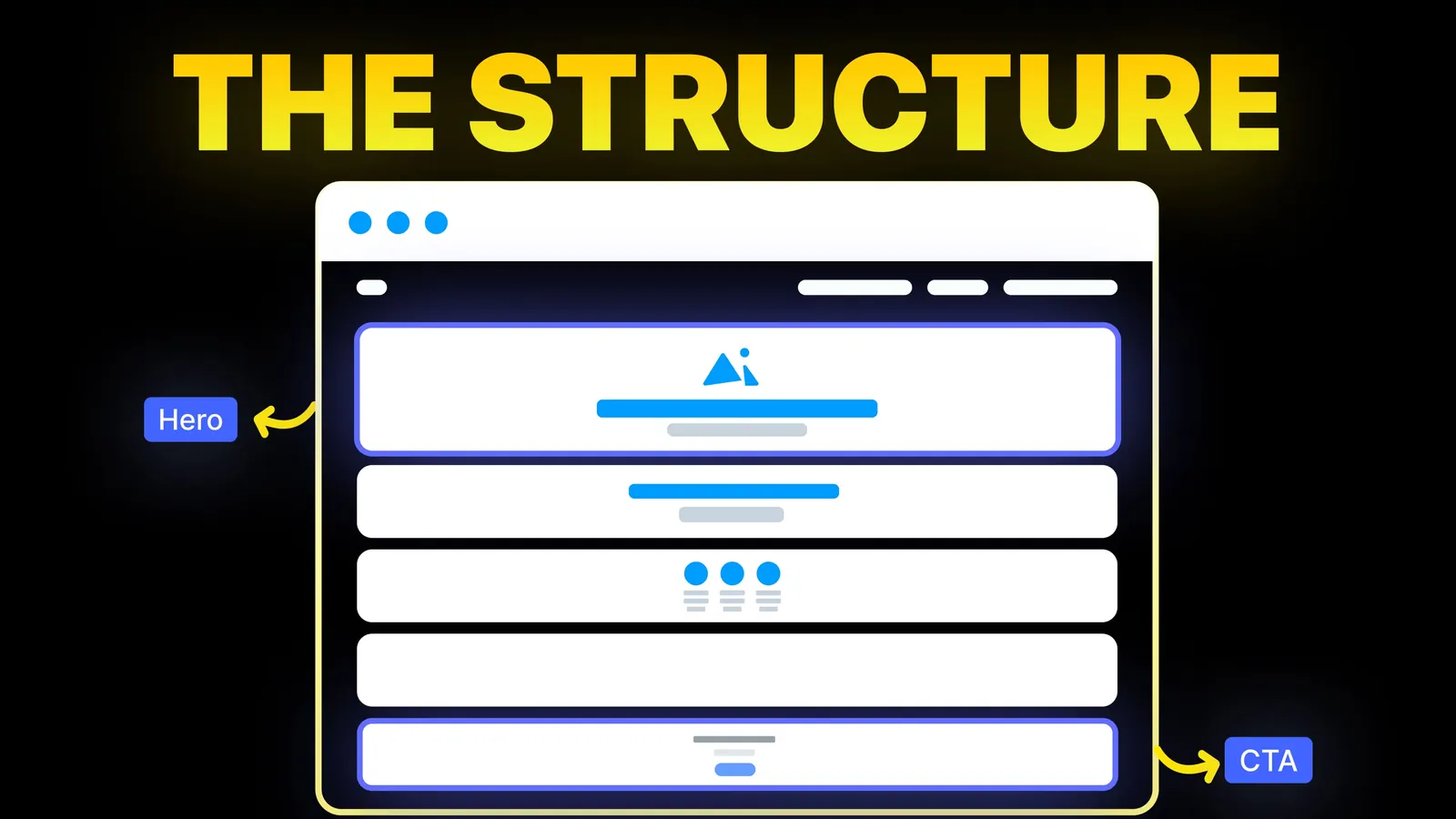
How to Turn Your Website Into a High-Converting Sales Machine
The structure behind a website that sells: the five decisions that carry conversion, the homepage section order, and how to rebuild without losing traffic.
Web Design
Search for homepage ideas and you get galleries of famous brands. A shop that sells by enquiry, such as a studio, a clinic, a trade or a consultancy, has a different job: get a stranger to make contact. This guide gives eight patterns for that job, with when to use each and what to watch for, and shows the real section order of our own homepage as it stands on 25 October 2026.
A good homepage for a business that sells by enquiry does five things in order: it says what you do and who it is for, offers one clear first step, shows two to six real examples of your work, explains what happens after someone gets in touch, and ends by repeating the same ask. The eight patterns below are ways to do those five things. Choose the ones that fit, and leave the rest out.
Disclosure: we are a web design studio, and our own homepage is the worked example. We have not measured how many enquiries any of these patterns brings, so treat the patterns as design reasoning backed by published usability principles, not as test results.
On 25 October 2026 we searched Google (United States, English) for "homepage design ideas". The results were mostly galleries and template libraries: Dribbble (75,000+ homepage shots), 99designs, Awwwards, Landbook and Figma's template community, plus articles from Wix, Crazy Egg, Matomo and Nielsen Norman Group.
We read Wix's "15 best homepage design examples" and Nielsen Norman Group's principles page. Wix's list names Slack, Starbucks, Uber, Lyft, Lemonade, Airbnb, Dropbox, Four Seasons, Fiverr, NYC Ballet, Evian, La La Land, Revlon, Ladurée and Outdoorsy, and gives tips on one main goal, a clear headline, good visuals, simple navigation, a call to action above the fold and social proof. Those tips are sound. The gap is the audience: a visitor deciding whether to email a studio is in a different position from one opening a coffee app.
For design principles, Nielsen Norman Group's page is the better source. We use its five principle headings below and have not copied its text.
Nielsen Norman Group's second principle is to communicate who you are and what you do. For an enquiry business, say it in the headline in the visitor's words: what they get and who it is for. Our own headline reads "Websites that close deals. Not just impress." with a line below that names who we redesign sites for and the platforms we build on. See our hero section guide for headlines before and after.
Use it when: the visitor has never heard of you. Watch out for: a clever line that does not say what you do.
The first step does not have to be "contact us". A smaller step, such as checking something about the visitor's own situation, can be easier to take. On our homepage the first screen has a field for a website address and a "Check my website" button, with the line "Free website audit. No sign-up, no email." The visitor gives one piece of information and gets something back.
Use it when: you can give a useful result for little effort. Watch out for: a first step that asks for an email before it gives anything.
Nielsen Norman Group's third principle is to reveal content through examples. On our homepage, the work section is titled "Recent builds, each with a different problem", and each card pairs a project with one sentence about what that project had to solve, for instance a contractor's site arranged the way a tender evaluator reads, or a shop that needed a page for each design. A visitor sees whether we have faced something like their situation.
Use it when: you have real work you can show with permission. Watch out for: a grid of screenshots with no explanation. For wording and structure of project pages, see interior designer website and lawyer website design.
List what you do in plain words and send each to its own page. Our homepage lists seven services, each with a one-line description and a link. The homepage points; the service pages explain.
Use it when: you have more than one service. Watch out for: stuffing every detail into the homepage so no service page is needed.
The fear of starting is a common reason to leave. A short sequence such as "first call, proposal, design, launch" tells a visitor what the next weeks look like. Our homepage has four steps under the heading "From first call to launch, in four clear steps".
Use it when: the work takes weeks or months. Watch out for: steps with no durations or outputs, which read as filler.
Put reasons to trust you close to the button: a named client you can show, a credential you can verify, a count you can support. The words should be specific. Our homepage has a client stories section with named quotes from founders, placed before the questions and the closing form.
Use it when: you have proof you can back up. Watch out for: round numbers and star ratings you cannot show.
Nielsen Norman Group's fourth principle is to prompt actions and navigation. Pick one primary action and use the same words in the header, the first screen and the close. Different labels for the same step ("Get a quote", "Contact", "Start a project") make the visitor wonder if they are different steps. Our call to action examples show wording by business type.
Use it when: always. Watch out for: three equal buttons side by side.
Nielsen Norman Group's fifth principle is to keep homepages simple. One goal, few sections, plenty of space. Every section should have one job, and a section that does not help the visitor get to the next step is a candidate to cut. Our conversion guide has a table of sections and the one job of each.
Use it when: you are unsure whether to add one more section. Watch out for: copying a big brand's homepage, which has different goals.
This is the order on amariq.com on 25 October 2026, read from the page itself:
| Order | Section | What it does |
|---|---|---|
| 1 | First screen: headline, one-line description, website address field and button | Says what we do and offers a small first step |
| 2 | Selected work: six projects, each with a problem in one sentence | Shows examples |
| 3 | What we do: seven services, each linking to its page | Lists the offer and routes the visitor |
| 4 | How it works: four steps | Removes the fear of starting |
| 5 | Why teams stay: seven habits of how we work | Reasons to choose us |
| 6 | Client stories: named quotes from founders | Proof from people who hired us |
| 7 | Questions about scope, timelines and fit, with a call button | Answers objections |
| 8 | Contact form, with "what happens next" beside it | Repeats the ask and the next step |
That is the five-part sequence from the short answer, with the service list, the habits and the questions added. It is one design, not a template: a clinic or a trade might put the booking step in the first screen and the proof straight after it.
These are our suggestions for where to start, not tested results.
| Business | First screen | First step | What to show next |
|---|---|---|---|
| Local trade (plumber, electrician) | The trade, the area, a phone number | Call or request a quote | Recent jobs with photos, then reviews |
| Clinic or health practice | The service and location | Book a visit | The practitioners, then what a first visit is like |
| Professional services (law, accounting) | Who you help and with what | Book a call | Areas of work, then credentials you can support |
| Studio or consultancy | The outcome you deliver | A small check or a call | Examples with the problem each solved |
| Small shop | The product range | Browse a category | Best sellers, delivery and returns |
For sector detail, see our guides for plumbers, dentists and real estate agents.
Our contact page guide covers what the visitor meets after the click.
A quote is based on the scope, not on hours, and is paid in three parts: 40% at the start, 30% when you approve the design and 30% before launch. When the last payment clears, you own the design, copy and code, and your domain, hosting and analytics accounts are registered to you. See our web design service and conversion-focused redesign.
For a business that sells by enquiry: what you do and who it is for, one clear first step, a few real examples, what happens next and a repeat of the ask. Add proof you can back up.
As many as the visitor needs to take the next step, and no more. Our own homepage has eight, and each has one job.
A short form at the close is common. A smaller first step above it, such as a call button or a one-field check, can make the first action easier. Our contact page guide covers fields.
Only if it explains something. A video that shows how the product or service works earns its place; decoration slows the page. Test the page on a phone before you decide.
Track the clicks on the primary button and the number of form submissions, and compare before and after a change. Do not rely on one week of data.
No. A big brand's goals, traffic and audience differ from an enquiry business. Use the principles, and shape them around what your visitor needs to decide.
Long enough to answer the questions a stranger has before making contact, short enough that every section earns its place. Start with the five-part sequence above and add only what your visitors ask about.

The structure behind a website that sells: the five decisions that carry conversion, the homepage section order, and how to rebuild without losing traffic.
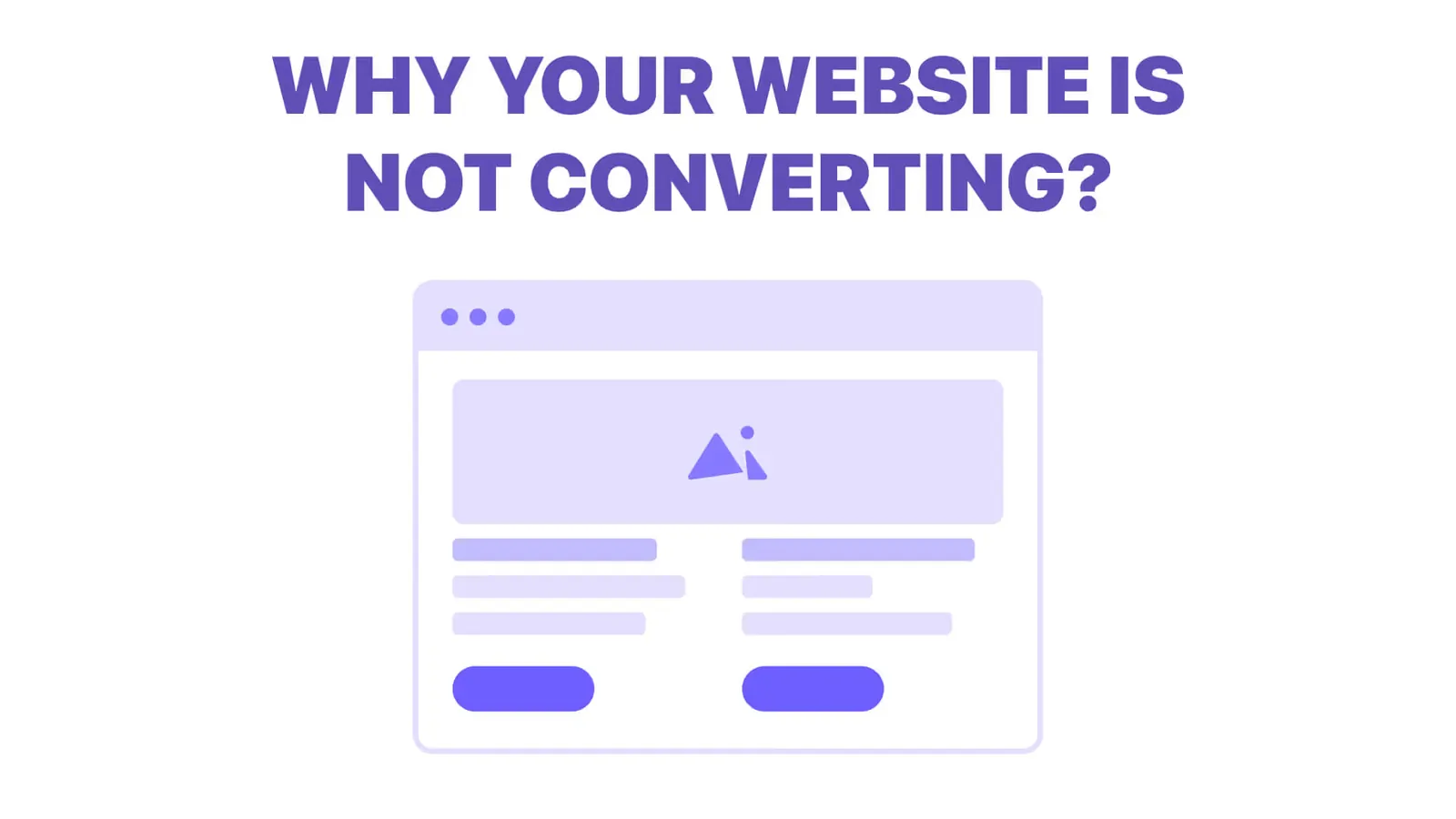
Traffic but no enquiries? Here is how to find where visitors drop off, the eight reasons a site stops converting, and a two-week plan to fix it.
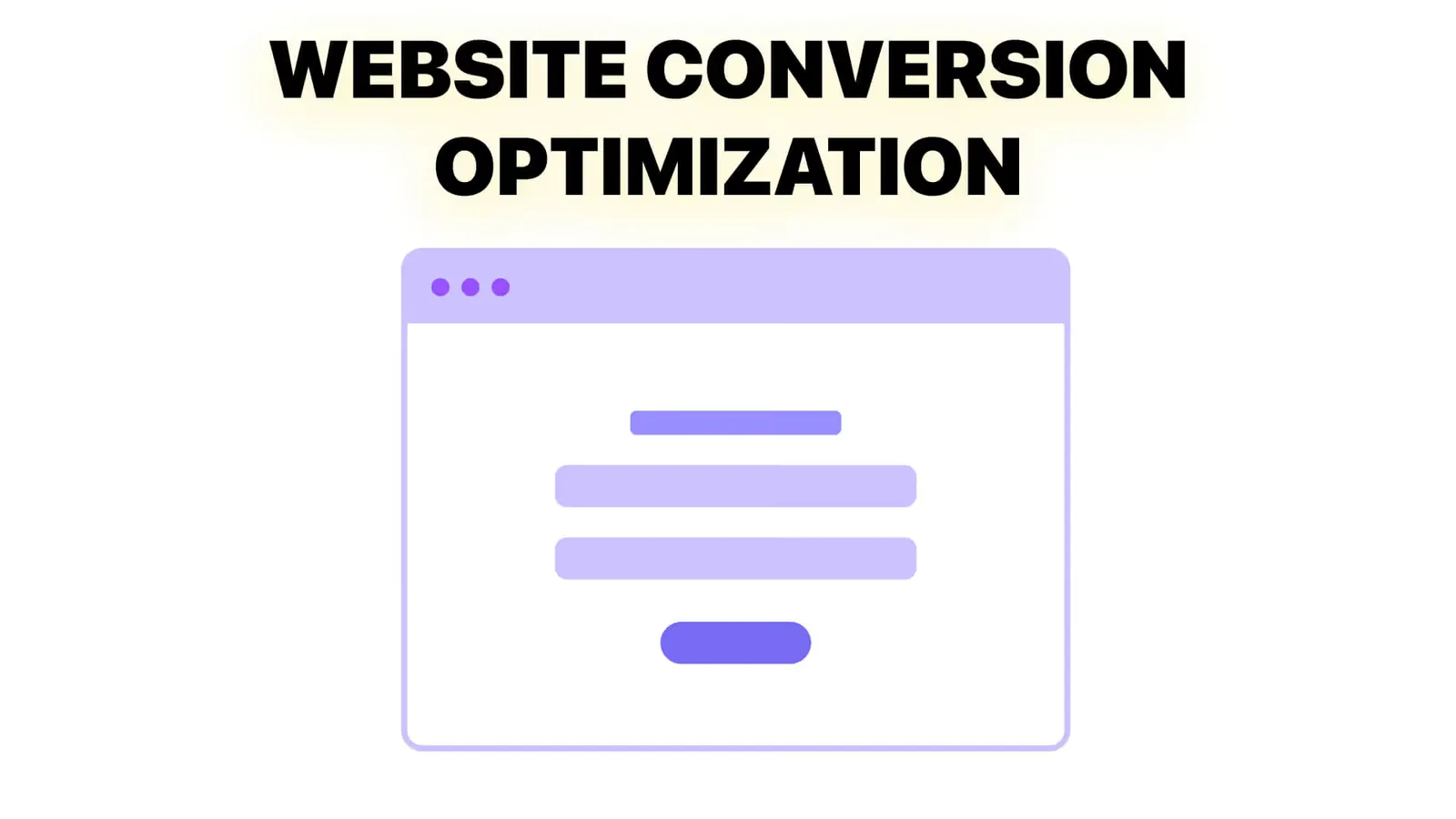
Conversion optimization from zero: what to measure, how to set up tracking, how to choose what to fix first, and how to run a change without fooling yourself.