
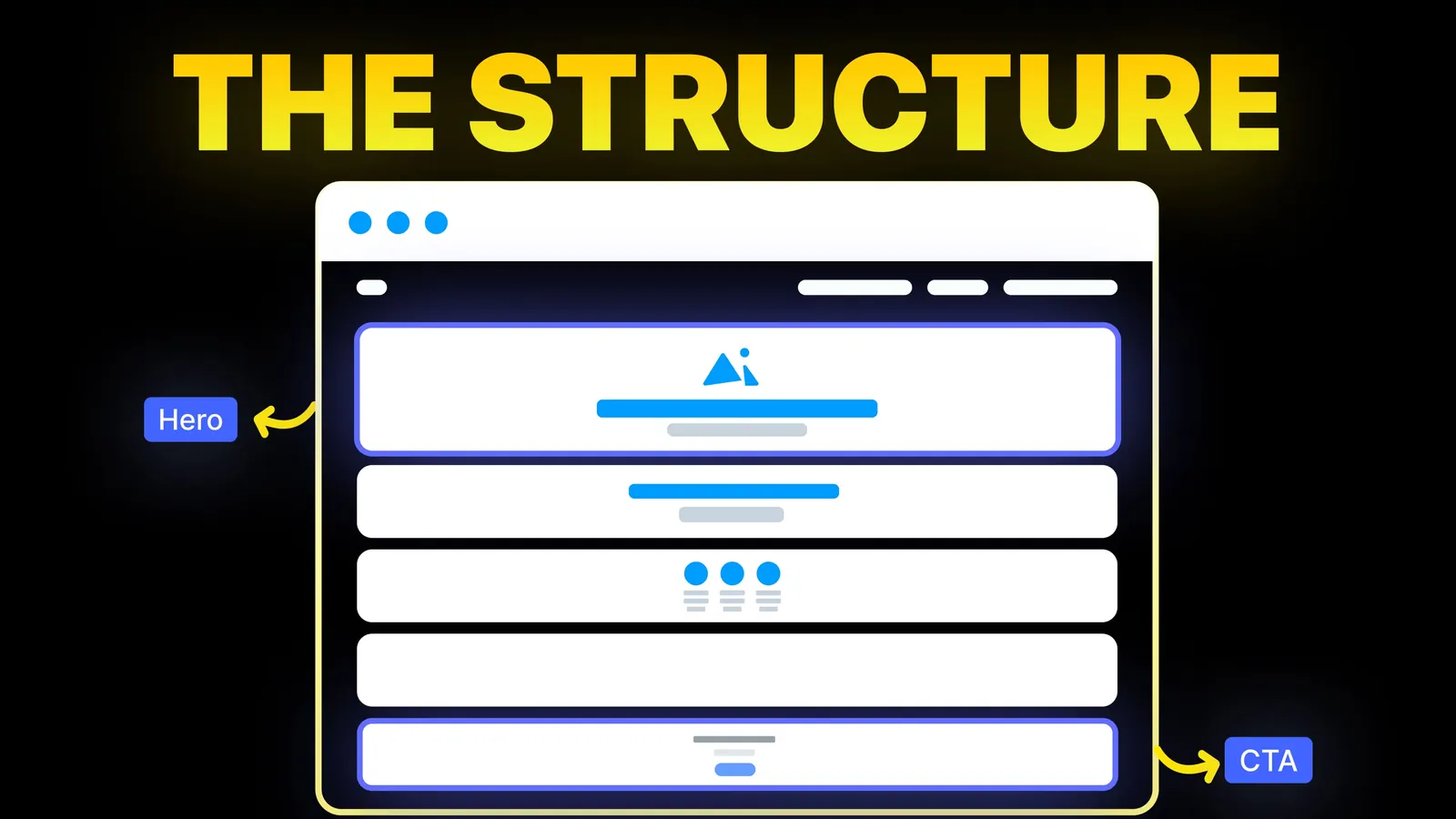
How to Turn Your Website Into a High-Converting Sales Machine
The structure behind a website that sells: the five decisions that carry conversion, the homepage section order, and how to rebuild without losing traffic.
Web Design
Most local SEO guides come from agencies that sell the service, so they mix facts with sales talk. This plan uses only what Google says on its Business Profile Help pages and in Search Central. It splits the work into the part that lives in your Google profile and the part that lives on your website. Checked 1 November 2026.
This is general information, not advice. Rules change, so check the linked Google pages first.
Local SEO means helping Google match your business to people searching near you. It comes down to two places. The first is your Google Business Profile, the listing that shows in Maps and in local results. The second is your website, which gives Google and customers more detail than a listing can hold.
If you only have an hour this week, spend it on the profile.
Google's help page on improving local ranking (checked 1 November 2026) gives three factors. We have put them next to what you can do about each.
| Factor | Google's meaning, in short | What you control |
|---|---|---|
| Relevance | How well your profile matches what someone searches for | Complete, accurate details, the right category, clear service descriptions |
| Distance | How far you are from the person searching | Almost nothing, apart from a correct address or service area |
| Prominence | How well known you are, drawn partly from links to your business from other sites and from your reviews | Reviews, replies, and getting mentioned or linked by real local sources |
Google says verified businesses are more likely to show in results, and that you cannot pay for a better local ranking. The page gives no website tips beyond noting that links from other sites count toward prominence. Anything past that, such as how much a page type helps, is our judgement and we mark it as such.
Google's verification page (checked 1 November 2026) explains the options.
A few details save time. A phone code cannot go to an automated phone menu. A postcard carries a 5-digit code, usually arrives within 14 days, and the code expires after 30 days, so do not change the name, address or category while you wait. A video check needs you to show the location, signs and proof you manage it. Never share a code, because Google says it will never ask for one.
Google's Business Profile guidelines (checked 1 November 2026) are specific. The checklist in plain terms:
| Field | Do | Do not |
|---|---|---|
| Name | Use your real-world name as on your sign, website and paperwork | Add taglines, hours, phone numbers, URLs, services or "near X" |
| Address | Use a precise street address. Put a suite number on Address Line 2 | Use a P.O. box, a remote mailbox or a virtual office |
| Categories | Choose the fewest that describe what the business is, and be specific | Use categories as keywords or to list services |
| Hours | Give regular customer-facing hours, plus special hours for holidays | List hours if you work by appointment only |
| Phone | Use a number tied to your location that you control | Use a number that redirects elsewhere or a premium-rate line |
| Website | Link to your own site | Link to a page that redirects to another business or to social media |
| Description | Describe services and history honestly | Add links, prices, offers or promotions |
Google also says each business should have one profile per location. If you show your address, you need permanent signage with your business name there.
Google calls businesses that travel to customers service-area businesses. Its guidelines say to make one profile for your central location, hide the address if you have no storefront, and keep the service area within about 2 hours of driving time from your base, with larger areas possible for some businesses. The service-area help page (checked 1 November 2026) adds that you can set up to 20 service areas and cannot define them as a radius around the business.
Google's ranking page also says to add photos and videos. We could not read a page with its photo size rules today, so we leave out the numbers. Use clear, recent photos of your real premises, team and work.
Google's review help page (checked 1 November 2026) is short and clear on what you can do.
What you must not do: Google calls offering free or discounted goods or services in exchange for posting, changing or removing a review strictly prohibited. Reviews must reflect a genuine experience. Google's ranking page says reviews and helpful replies can help you stand out, and that review counts feed into prominence. The review page itself does not say how reviews change ranking, so we do not claim a number.
A habit that helps: ask when a customer is happiest, such as at handover, with the link in your invoice email.
Here we move from Google's rules to our own judgement. Google's guidance on business details (checked 1 November 2026) says to claim your Business Profile, verify your site in Search Console, and allow about a week for changes to show. Beyond that, the site's job is to be clear and consistent.
| Page | What it should hold | Why |
|---|---|---|
| Home | What you do, where, how to contact you, proof of work | The first thing a profile visitor sees |
| One page per main service | Real detail, photos, who it is for, how to enquire | Gives Google and customers a specific page for each search |
| Contact | Same name, address, phone and hours as the profile | Mismatches confuse customers |
| About | Who is behind the business and any licences you hold | Builds trust |
| Service areas | The places you cover, written for people | See the doorway warning below |
Our guides on service pages, contact pages and homepages cover the layouts.
Structured data can state your details in a form machines read. Google's LocalBusiness page (checked 1 November 2026) lists name and address as required. It recommends openingHoursSpecification, telephone with country and area code, url, and geo with at least 5 decimal places. It uses JSON-LD in its examples, and tells you to test with the Rich Results Test and check live pages with the URL Inspection tool.
Google says it does not guarantee that features using structured data will appear, and the page makes no claim about ranking. Add it because it is accurate, not because it is a lever.
Google's spam policies (checked 1 November 2026) define doorway abuse as pages created to rank for specific, similar searches that send people on to a less useful page. One example it gives is having multiple pages targeted at specific regions or cities that funnel users to one page. Near-duplicate pages are also listed.
So if you serve ten suburbs, do not publish ten copies of one page with the name swapped. One good service area page is safer. Add a separate area page only when you can say something true and different there, such as a real project in that place. Our plumber and landscaping guides show it for trades.
A slow page or a hidden phone number loses the visit. Our guide to website speed for small sites lists the fixes in order.
We build and look after small business sites on Webflow, Framer, WordPress and Shopify, and on Wix, Squarespace or custom builds when that suits you better. For local search that means making the website match your Google profile word for word, writing one strong page per service, adding LocalBusiness markup, and keeping the contact details easy to tap on a phone. We quote from the scope of the work, never by the hour, with payment of 40% to start, 30% at design approval and 30% before launch. See our web design and website optimization pages, or read how we think about trades and home services sites.
It is the work of helping Google show your business to people searching near you. In practice it means a verified, accurate Google Business Profile, honest reviews and a website that matches the profile. Google names relevance, distance and prominence as the three factors.
No. Google's help page says there is no way to request or pay for a better local ranking. Paid ads are a separate product and do not change the local results.
Google says reviewing your verification typically takes up to 5 business days after you finish the steps, and rarely longer. A postcard usually arrives within 14 days and its code expires after 30 days. Some businesses can verify instantly through Search Console.
No. Google calls offering free or discounted goods or services in exchange for a review strictly prohibited. You can ask customers for an honest review using a link or QR code, and reply to what they write.
Usually not. Google lists multiple pages aimed at specific cities that funnel users to one page as an example of doorway abuse. Build a separate area page only when it holds something true and different for that place.
Google does not say so. Its page says the markup helps Google understand details like hours and address, and that features using it are not guaranteed to show. Add it for accuracy, and do not expect it to move you up by itself.

The structure behind a website that sells: the five decisions that carry conversion, the homepage section order, and how to rebuild without losing traffic.

Five website color schemes with every text and button pair scored for contrast against WCAG 2.2, plus fixes for the pairs that fail. Checked 1 November 2026.

Eight homepage design ideas for businesses that sell by enquiry, with when to use each, plus the section order of amariq.com's own homepage. Checked 25 Oct 2026.