
How to Turn Your Website Into a High-Converting Sales Machine
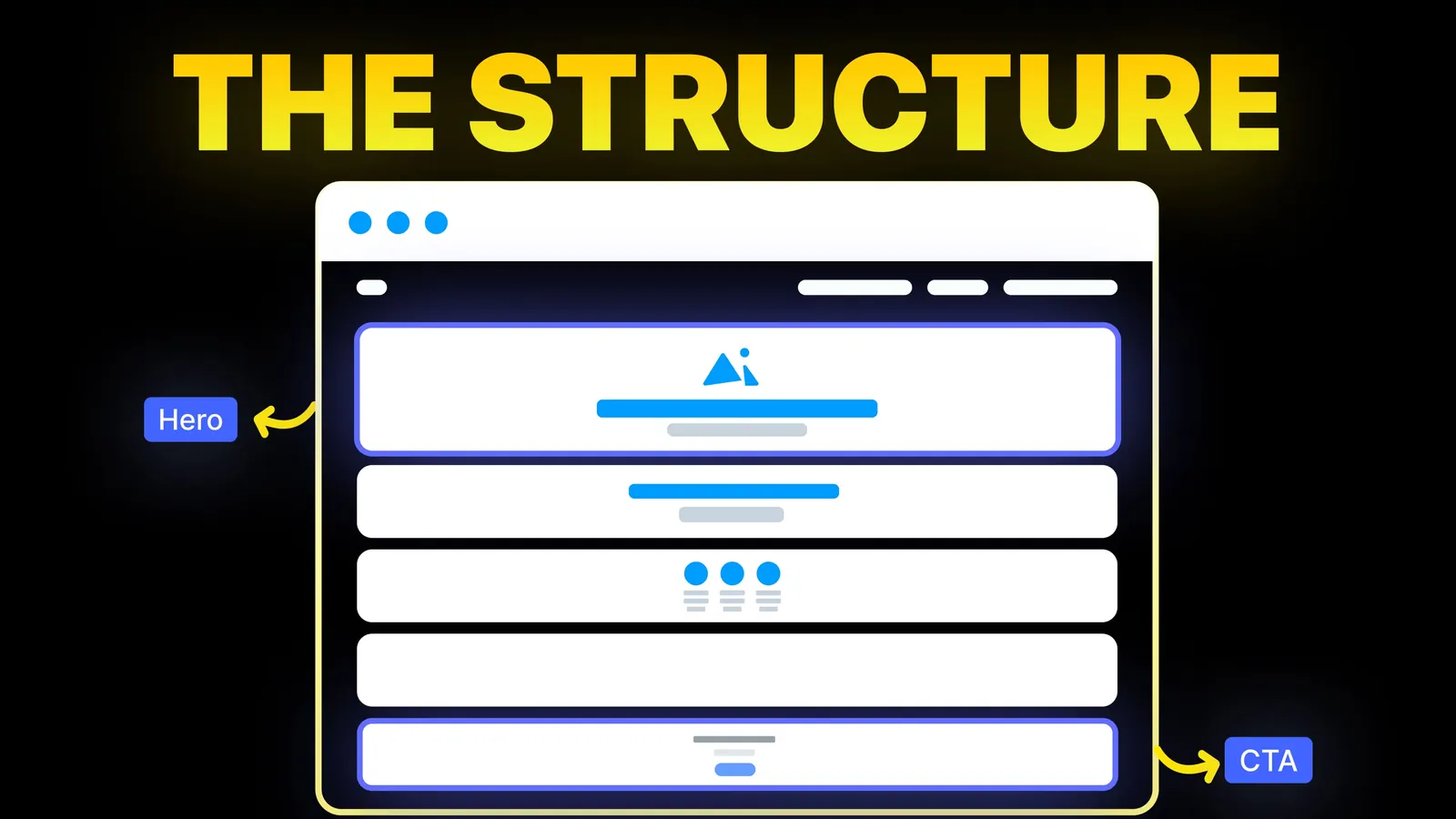
The structure behind a website that sells: the five decisions that carry conversion, the homepage section order, and how to rebuild without losing traffic.
Web Design
Most speed guides are written for big WordPress sites and list fifteen techniques with equal weight. A small business site needs four or five of them, in the right order. This guide gives that order, shows the numbers we measured on our own live pages on 22 October 2026, and quotes what Google says speed is worth in search.

Google measures page experience with three Core Web Vitals. The thresholds below come from web.dev, last updated 31 October 2024:
| Metric | What it measures | Good |
|---|---|---|
| Largest Contentful Paint (LCP) | When the biggest thing on screen, often the hero image or headline, has appeared | Within 2.5 seconds |
| Interaction to Next Paint (INP) | How quickly the page responds when someone taps or clicks | 200 milliseconds or less |
| Cumulative Layout Shift (CLS) | How much the layout jumps around while loading | 0.1 or less |
Google assesses each at the 75th percentile of real visits, separately for mobile and desktop. That last point matters for small sites: if your site gets few visits, Google may not have enough real-user data to report, and you will mostly see lab tests instead.
Less than many guides imply. Google's page experience documentation says there is no single page experience signal, that Core Web Vitals are used by its ranking systems, and that other page experience aspects do not directly help a site rank. It also says Google will show the most relevant content even when the page experience is poor, and that a great experience can help when many pages are similarly relevant.
So for a small business, speed earns its place twice: as a tiebreaker in search, and because a page that appears quickly keeps the visitor you already paid to attract. It does not rescue thin or off-topic pages, which is why our guide on why a website is not converting starts with the message, not the milliseconds.
We ran these on our live site on 22 October 2026. They are a snapshot, not a benchmark, and lab results change from run to run.
| Test | Result |
|---|---|
| Lab audit of the home page, desktop (Ubersuggest's PageSpeed audit) | LCP 926 ms, First Contentful Paint 799 ms, Total Blocking Time 80 ms, CLS 0.005 |
| Biggest flagged opportunity in that audit | Redirects: estimated 340 ms on desktop, 1.4 s on simulated mobile |
| Home page HTML size | 219,160 bytes, or 42,012 bytes compressed in transfer |
| A blog post's HTML size | 110,705 bytes, or 24,548 bytes compressed in transfer |
| Repeat visit to that blog post in Chrome | 17 requests, about 25 KB transferred, LCP 140 ms on a fast connection |
Two lessons came out of it. The redirect line shows how much a single extra hop costs on a slow phone connection, which is why step 6 below matters. The repeat-visit line shows what long cache lifetimes do: almost nothing is downloaded twice.
On most small sites, images are most of the page weight. In order:
Chat widgets, booking embeds, heatmaps, several analytics tags and social feeds each add scripts you do not control. For each one, ask who uses its data and when they last looked. Remove what nobody uses, load the rest after the page is usable (with defer, or after interaction), and keep tag managers from becoming a drawer of forgotten tags. This is where INP problems on small sites usually come from. Health providers have a second reason to be careful here, covered in our dentist website guide.
Pictures, fonts and versioned scripts should be cached by the browser for months. Our site sends Cache-Control with a one-year max-age and "immutable" for images, fonts and our animation bundle, and stamps a version on stylesheets and scripts so a change still reaches visitors. The cost of this approach: a replaced image needs a new file name, or browsers keep the old one. On hosted builders the platform largely decides caching for you, so check its documentation; on WordPress it usually comes from a caching plugin or the host.
Every redirect is another round trip before the page starts. Link to your final addresses everywhere: in your menu, in your Google Business Profile, in ads and in email signatures. After a redesign or migration, make sure each old address goes straight to its new one in a single hop, not through a chain. Our redesign SEO checklist and WordPress to Webflow guide cover how to set them up.
On a small site, hosting is rarely the bottleneck if it serves through a CDN. Time to first byte is a quick check: on our site it measured about 40 ms from a machine in Dhaka on 22 October 2026. If yours is consistently slow, ask the host about caching and server location before you rebuild anything. Cheap shared WordPress hosting is the usual exception; our hosting comparison covers what changes with managed plans.
| Order | Fix | Effort on a small site | Usually helps |
|---|---|---|---|
| 1 | Resize and convert images, lazy-load below the fold | Low | LCP, page weight |
| 2 | Remove or delay third-party scripts | Low to medium | INP, LCP |
| 3 | Long cache lifetimes for static files | Low on a builder, medium elsewhere | Repeat visits |
| 4 | Non-blocking CSS, deferred scripts, fewer font files | Medium | LCP, FCP |
| 5 | Single-hop redirects and final links | Low | Every metric on slow connections |
| 6 | Hosting or CDN change | Medium to high | Time to first byte |
Do it yourself if the fixes are images and a couple of plugins or widgets. Get help when the theme or builder itself loads heavy code on every page, when the site needs restructuring to stop layout shifts, or when a redesign is due anyway, in which case speed should be designed in rather than bolted on. Our website optimization service starts with a short audit, and our list of signs a site needs a redesign helps you decide which route you are on. For call-led trade sites, the plumber website guide adds the layout side.
At Amariq we build sites on Webflow, Framer, WordPress and Shopify with these checks in the build, not after it. Projects are priced from their scope rather than by the hour, and paid 40% at kick-off, 30% at design approval and 30% before launch. Once paid in full, the design, copy and code are yours, and your domain, hosting and analytics stay in your own name.
Start with images: resize them, convert them to WebP and lazy-load those below the fold. Then remove scripts you do not use, make sure static files are cached, and link to your final addresses so visitors skip redirects.
The score is a lab summary. What Google uses is Core Web Vitals: LCP within 2.5 seconds, INP of 200 ms or less and CLS of 0.1 or less at the 75th percentile, per web.dev. Aim for those on mobile first.
Somewhat. Google says Core Web Vitals are used by its ranking systems, but that it shows the most relevant content even when page experience is poor. Speed helps most when competing pages are similarly relevant.
Lab tests simulate a slower phone and connection for mobile, so every image, script and redirect costs more. In our own audit, the same redirect was estimated at 340 ms on desktop and 1.4 seconds on mobile.
On WordPress, a caching and image plugin often covers steps 2 and 4. On hosted builders such as Webflow, Squarespace, Wix and Shopify, delivery is run by the platform, so your work is mostly images, scripts and fonts.
Usually, for visitors far from your server, because files come from a nearby location. Hosted builders generally serve through one; check yours. It does not fix heavy images or scripts.
After any change that adds a script, a widget or a large image, and every few months otherwise. Keep a dated record so you can see when something slipped.

The structure behind a website that sells: the five decisions that carry conversion, the homepage section order, and how to rebuild without losing traffic.

How to make a product demo video: where it goes on a SaaS site, how to record it on a Mac, which recorder to pick and how to add it without slowing the page.
Traffic but no enquiries? Here is how to find where visitors drop off, the eight reasons a site stops converting, and a two-week plan to fix it.