
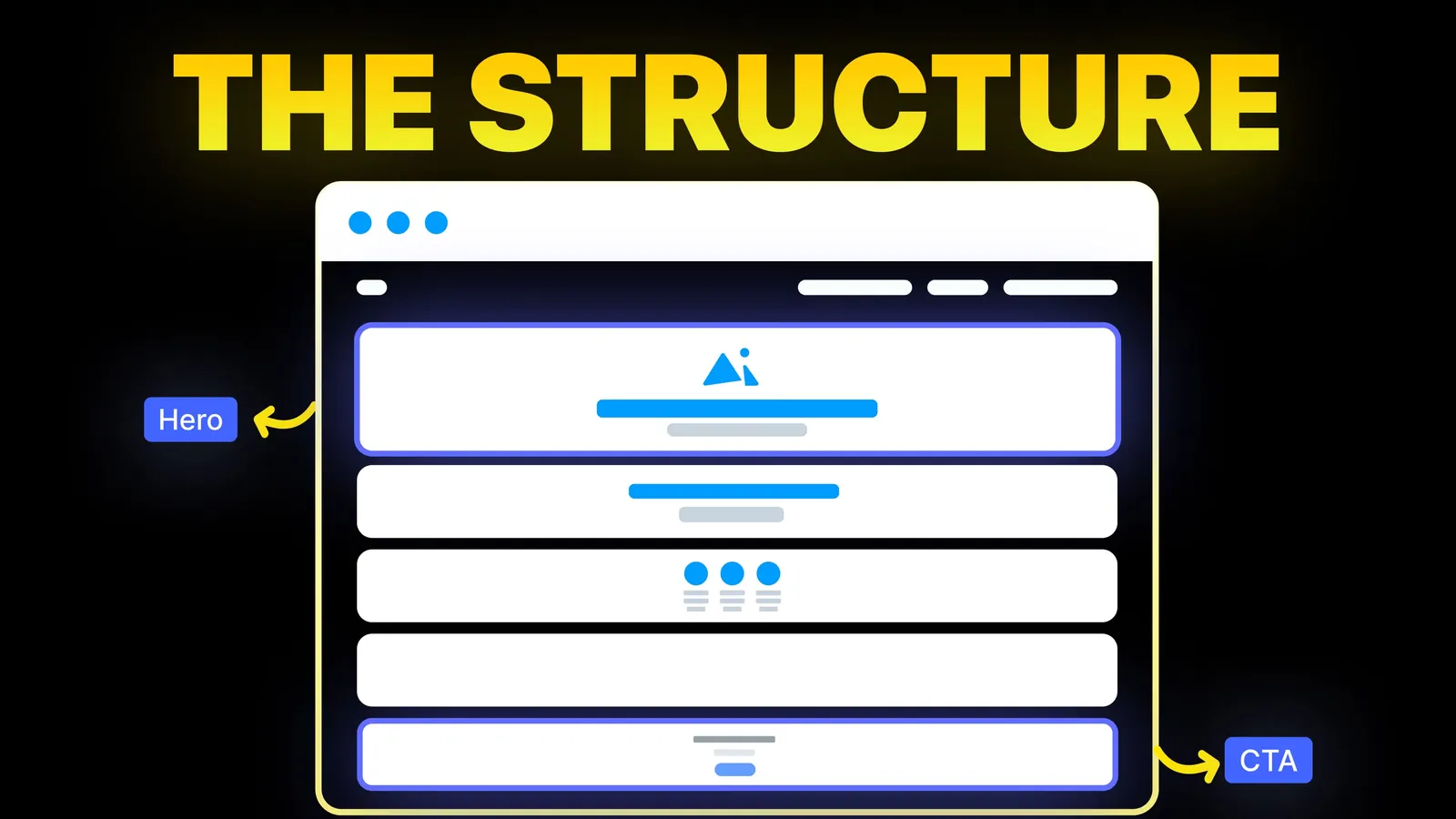
How to Turn Your Website Into a High-Converting Sales Tool
The structure behind a website that sells: the five decisions that carry conversion, the homepage section order, and how to rebuild without losing traffic.
Web Design
The checklists that rank for this search run to 29, 66, 88 or even 152 steps, and they put every kind of move into one list. A small business owner moving hosts does not need a redirect map, and one changing domain cannot skip it. This checklist starts by sorting your move into one of three kinds, then gives only the steps that kind needs, using Google's own site move documentation.
Work out whether your move changes any address a visitor sees. If it does not (you are only changing where the site is hosted), the job is: copy and test the new site, lower the DNS TTL a week ahead, remove any temporary blocks, switch the DNS records, watch both servers, then shut the old one down. If it does (new domain, HTTPS, or new URL paths), add a URL map, permanent redirects, updated canonicals and sitemap, and a Search Console step. Whatever kind of move it is, take a backup first, write down your baseline numbers, and keep the email working.
We searched Google (US, English) for "website migration checklist" on 25 November 2026. The first page showed an AI overview, then checklists from Semrush (updated 5 May 2026), Backlinko (88 steps, 31 July 2025), Notum Technologies (66 steps, dated 6 November 2026 in the listing), Neil Patel (12 August 2024), Your Design Guys (12 November 2026), Impression Digital (a Google Sheets template), InMotion Hosting, Aleyda Solis and a Reddit thread. We read Semrush's checklist in full, and Google's two official guides in full. The rest we saw as snippets and titles only.
What stood out:
The new value here is the sorting. Pick your kind of move first, then follow only that list. Where this guide gives an instruction, it comes from Google's two pages, which we read on 25 November 2026. Where it is our own judgement, it says so.
| Your move | Do visitor-facing URLs change? | Google's guide | Steps you need |
|---|---|---|---|
| New host or CDN, same domain, same page addresses | No | Changing your hosting | Part A |
| HTTP to HTTPS, or www to non-www | Yes (the address changes) | Site moves with URL changes | Part B |
| New domain or merged domains | Yes | Site moves with URL changes | Part B, plus Change of Address |
| New platform with the same domain and the same page addresses | Usually no, if you can keep every path | Treat as a hosting move if the paths match, as Part B if any path changes | Part A, or Part B |
| New platform and new page addresses | Yes | Site moves with URL changes | Part B |
The platform row is our reading of the two guides, not a sentence from them. Check by exporting your old address list and your new one and comparing them. If they match, it is Part A. If one differs, it is Part B for that page.
If the move is part of a redesign of the same site, our website redesign SEO checklist adds the content and launch-day side, and this page is the one to use when the question is only where the site lives or what its addresses are.
Google's "Changing your hosting" guide gives four stages: prepare, start the move, monitor, shut down.
| Step | What to do | Source |
|---|---|---|
| Copy and test | Upload a copy to the new host. Check pages, images, forms and downloads. | |
| Use a temporary address | A hostname such as beta.example.com lets you test with browsers and Googlebot. Add a no-index rule so the test copy is not indexed. | |
| Check Googlebot can reach it | Verify the property in Search Console and use the URL Inspection tool. Check that a firewall or DoS protection does not block Googlebot. | |
| Lower the TTL | Set DNS TTL to a conservative low value (Google's example: a few hours) at least a week before. | |
| Check Search Console verification | If you verify by HTML file or meta tag, include it in the new copy. | |
| Remove temporary blocks | Take off robots.txt disallow rules, no-index tags and headers from the new copy. | |
| Switch DNS | Update the records to point at the new host. This is the move itself. | |
| Monitor | Watch server logs on both hosts, check DNS from different places, watch the indexing graphs. | |
| Shut down the old host | Only when the old host's logs show traffic has reached zero. |
Google also says it is normal to see a temporary drop in Googlebot's crawl rate right after a hosting change, followed by a rise over the next few days. Our DNS propagation guide explains why the switch is not instant and gives a launch-day plan.
Google's "Site moves with URL changes" guide has four steps: prepare the new site, build a URL mapping, start the move with redirects, monitor.
Make one table with every old address and where it goes. Google's tips for finding old URLs: your sitemaps, your server logs or analytics for the most visited pages, the Links report in Search Console, and your CMS's own list. Include images, videos, scripts and downloads, not just pages.
| Old URL | New URL | Type | Note |
|---|---|---|---|
| /about-us | /about | 301 | Renamed |
| /services/seo | /services/search | 301 | Merged |
| /blog/old-post | (none) | 404 or 410 | Deleted, no equivalent |
Where you are dropping content, Google wants a real 404 or 410 on the new site for those addresses. Its warning about the home page is the one to remember: one irrelevant destination for many old pages confuses visitors and may count as a soft 404. A genuine merge of several pages into one is the exception, and those can all point at the merged page.
What each platform lets you redirect, and where the limits sit, is in how to set up a 301.
Google lists internal links, external links (ask sites that link to you to update them), profile links on Facebook, Twitter and LinkedIn, and ad campaigns. Our own addition: the Google Business Profile, email signatures and printed material.
Google's guidance is a minimum of about a year for the redirects, with permanent being kinder to visitors who follow old links.
| What to check | Where | What good looks like |
|---|---|---|
| Old URLs redirect | A crawl, or a handful of manual tests | Each old URL reaches its mapped page in one hop |
| Pages reach the index | Search Console, Pages report | Indexed count on the new URLs rises as the old count falls |
| No block left behind | robots.txt and a view-source check | No disallow or no-index that was only for the build |
| Forms and email work | Send a test of each | You receive them |
| Traffic moved | Analytics and server logs | Old site down, new site up |
| Server coping | Host's dashboard | Google crawls the new site more heavily than usual after a migration, so check capacity |
Once the site is stable, run the wider small business site audit. If pages are missing from search, work through the reasons a site does not appear in Google.
Google's troubleshooting section lists the common ones:
Not every step on the long lists is needed for a small site. Our judgement, not Google's: a stakeholder kickoff meeting, a risk register and a post-migration report are good practice for a company with several teams. A sole trader or a ten-person firm can replace them with a one-page plan: who does what, which day, and who rings whom if something breaks.
When we move a site we do the URL map, the redirects, the canonicals and the sitemap, and we hand the Search Console steps and the watch list to you with plain instructions. Price comes from scope, never by the hour, and is paid in three steps: 40% to start, 30% when the design is approved and 30% before launch. After the final payment the design, copy and code belong to you, and the domain, hosting and analytics accounts sit in your name. See migration to Webflow for how a platform move runs, our WordPress to Webflow migration guide for one worked route, or book a call.
A backup, baseline numbers, a test copy of the new site, removal of temporary blocks, the DNS or redirect change itself, and monitoring afterwards. If URLs change, add a URL map, permanent redirects, canonicals, a new sitemap and, for a new domain, a Change of Address.
Rankings can fluctuate while Google recrawls. Google says 301 and other permanent redirects do not cause a loss in PageRank, and that a medium-sized site can take a few weeks or more to move.
About a year at minimum, and longer is kinder to users, according to Google.
Only for a switch between one domain or subdomain and another. It is not part of an HTTPS move, a www change or a path change.
Google's advice is to change one thing at a time, for example move to a new domain first and change the layout afterwards. If you do both together and traffic drops, you cannot tell which change caused it.
Google says to shut it down once the old host's logs show traffic has reached zero and you are confident everyone, including Googlebot, is served by the new host.
It can, if the DNS records for mail are not copied when you change DNS. Copy the MX and TXT records first and send a test email after the switch.

The structure behind a website that sells: the five decisions that carry conversion, the homepage section order, and how to rebuild without losing traffic.

Thank you page design for a business site: what to confirm first, one next step, and the build rules behind it. Checked 13 Nov 2026.

FAQ page design that works: where questions come from, when to use accordions, accessible markup, and FAQ schema after 2026. Checked 15 Nov 2026.