Video Background Website: When It Is Worth It, What Browsers Allow and How to Build One That Stays Fast
Search for a video background and Google hands you galleries and stock footage. The few guides that give advice are often years old, and some of it is now wrong. This guide says when a moving background earns its place, then sets the build rules from the W3C, WebKit, Chrome and web.dev pages we read on 14 November 2026.
Use a background video when the motion is the message. A venue, a place, a product in use or a craft being made: footage shows something words cannot. For an offer that needs explaining, a still image and clear copy usually do more.
Muted video can play on its own in every major browser. Chrome says muted autoplay is always allowed. Since iOS 10, Safari on iPhone plays a muted video inline when it carries the playsinline attribute.
A loop longer than five seconds needs a pause button. Under WCAG 2.2, success criterion 2.2.2 at Level A, footage that starts on its own and plays next to your text must be something a visitor can halt or hide.
The video counts towards your speed score. web.dev says a video's Largest Contentful Paint time is the poster image load or the first frame, whichever is earlier. A light poster keeps the score honest.
Plan for the video not playing. Chrome's own advice is to never assume a video will play. The poster must look finished on its own.
Some popular advice is out of date. "Video doesn't play on mobile" and "don't offer a pause control" both come from older guides and no longer hold.
The short answer
A video background is worth it on a business site when the footage shows something a visitor wants to see and cannot get from a photo: a room filling up, a coastline, hands at work, a product moving. Keep it short, silent and calm, put a poster image behind it that works without the video, add a visible pause button, and stop it for visitors who have turned on reduced motion. Skip it on pages where the visitor has to read and decide, such as pricing or a detailed service page. For hero layout in general, see our hero section guide.
About us: Amariq is a web design studio, and our own case study pages on amariq.com use looping silent video. We have not compared video and still heroes in an experiment of our own. Every rule below is taken from the W3C, WebKit, Chrome or web.dev page linked beside it, each read on 14 November 2026.
What Google shows today, and the gap
We searched Google in US English on 14 November 2026. Page one for "video background website" was mostly places to look or download: a One Page Love collection of 144 video background sites, Webflow's Made in Webflow gallery, Awwwards, Dribbble, Envato templates, and stock clips from Pexels, Shutterstock and Mixkit. Google's AI summary listed four habits: mute and loop, add an overlay, keep the file light, and give mobile a still image.
For the related "is a background video worth it" search, the top results included Webflow's own blog post on when to use background videos, last updated 26 September 2017, and a Mux guide to background video. Both give useful habits. The Webflow post, though, says videos either don't play or are hard to build on mobile and tells readers not to offer play or pause. Webflow's current help centre now says the opposite on the second point, and WebKit changed the first in 2016. None of the pages we read set the accessibility rule, the browser rules and the speed rule side by side, and none says which kinds of business should skip video altogether.
When a background video is worth it
Page or business
Verdict
Why
Venue, hotel, restaurant, event space
Often worth it
The room, the light and the crowd sell the booking
Travel, outdoor, property with views
Often worth it
Movement shows scale and place better than one photo
Craft, food, product made by hand
Worth testing
Process footage builds trust in the making
Software or app
Usually better as a demo clip
Visitors want to see the screen, so show it in a framed clip with controls
Law, finance, health, trades
Usually a still image
Visitors come to read, compare and call; motion competes with that
Pricing, checkout, forms
Skip
The page exists for a decision; moving footage pulls the eye away
Chrome autoplay policy (launched in Chrome 66, April 2018)
A silent background can start by itself in Chrome
Sound needs the visitor's interaction first
Same page
Never rely on sound in a background
A video with no audio track, or marked muted, may autoplay
WebKit blog, "New video policies for iOS", 25 July 2016 (iOS 10)
Safari on iPhone and iPad will play it
Without playsinline, iPhone plays video full screen
Same page
Always add playsinline, or the background takes over the screen
An autoplaying video only plays while visible, and pauses when scrolled away
Same page
Safari saves battery for you; do the same in other browsers
A video that gains sound without a tap pauses
Same page
Don't unmute from a script
Never assume a video will play
Chrome autoplay policy, best practices
Check the result of play() and keep the poster on show if it fails
The pause rule
Success criterion 2.2.2 in WCAG 2.2 has three triggers: the motion begins without the visitor asking, it runs past five seconds, and it shares the screen with other content. A looping hero video hits every one. The site then owes visitors a control to halt or hide the footage; the only exception is motion that is essential to an activity. The W3C's reason: continuous movement distracts some people with cognitive disabilities and attention deficits.
In practice that means a small, labelled pause button that keyboard users can reach, placed where people expect it, usually a bottom corner of the video. Webflow's help centre now points to the same criterion and its background video element has a built-in play and pause toggle you can switch on and style. On other platforms the button is a few lines of code. Pair it with the browser's reduced-motion setting: when a visitor has asked for less motion, show the poster and let them start the video themselves. For the rest of the accessibility basics, work through our accessibility checklist.
How the video affects page speed
Largest Contentful Paint measures when the biggest thing on the first screen appears. web.dev lists video among the elements it counts, using the poster image load time or the first frame of the video, whichever comes first. So a full-screen background video is very often the LCP element, and its poster decides the score.
That makes the poster your speed lever: export it at its display size, in a modern format, and load it like any important image. The aim is for that element to appear in 2.5 seconds or less; our Core Web Vitals explainer walks through the three scores. If the score drops after you add a video, check the poster first, then the file size.
Mux, which hosts video for websites, suggests a 720p file for most background uses and 1080p only when the video is the main focus on large screens. It also recommends a plain MP4 over streaming formats for short loops, because it is simpler to load and more widely compatible.
Build checklist
Pick calm footage. Slow movement, no hard cuts, no flashing, and no big swings in brightness, which Mux notes can make text hard to read.
Keep it short and loopable. Cut to a loop that joins cleanly. Webflow's 2017 post suggested no more than 10 seconds; there is no official limit, but shorter files load and loop better.
Strip the audio track. It adds weight, and WebKit allows autoplay without a tap when there is no audio.
Use the right attributes.autoplay muted loop playsinline, with a poster image.
Cover the area.object-fit: cover stops black bars on screens of different shapes. Keep anything important away from the edges, which get cropped.
Make text readable. A dark or light overlay behind the headline, checked for contrast against the brightest frame, not the average one.
Add a pause button. Visible, labelled, keyboard reachable.
Respect reduced motion. Show the poster instead of playing.
Pause off screen. Safari does this already; an IntersectionObserver does it everywhere, as Mux shows.
Serve a smaller file to phones. A with a media attribute picks a lighter version for small screens without any script.
Test the failure case. Block the video in your browser's developer tools and check that the poster alone looks finished.
How we handle video on amariq.com
Our case study pages use looping silent video, so here is what the code does, checked in our own files on 14 November 2026. Each clip is muted, loops and plays inline, with a poster image and preload="none", so nothing downloads until it is needed. A small script starts a clip only when at least 35 percent of it is on screen and pauses it when it leaves. For visitors who have turned on reduced motion, the clips never start by themselves; they show their poster with the normal video controls, so the visitor can play one if they choose. If the browser refuses to play, the script waits until the file can play and tries once more.
These clips sit below the first screen and run from about 1.2 MB to 9.3 MB at 1,600 pixels wide. That size is fine for a clip someone scrolls to, but it would be too heavy for a hero that must appear in the first seconds. A hero loop needs a far smaller file than a showcase clip.
Advice you can now ignore
Old advice
Where it appears
What holds today
"Videos don't play on mobile"
Webflow blog, 2017
Muted inline video autoplays on iPhone since iOS 10 and in Chrome
"Don't make pause an option"
Webflow blog, 2017
WCAG 2.2.2 asks for pause on loops over five seconds; Webflow's help now agrees
"Use a GIF, it's simpler"
Common in forums
WebKit measured GIFs at up to 12 times the bandwidth of H.264 video
"The video doesn't affect SEO"
Common in forums
The poster or first frame can be your LCP element
Hiding the video on phones is still a fair choice for data and battery reasons, as long as the still image is designed for that screen. Our mobile design guide covers what else changes on small screens.
How Amariq can help
Thinking about video on your homepage? Send us the page and the clip, and we will say plainly whether it helps or distracts, and how small the file has to be. When we design a site, the still version comes first; motion is added afterwards with a pause control, a calm fallback for reduced motion and a poster sized for speed. Webflow, Framer, WordPress, Shopify, Wix, Squarespace and hand-coded builds are all on the table. Quotes follow scope rather than hours, and payment runs in three stages: 40% up front, 30% when you approve the design and 30% ahead of launch. After the last payment the design, copy and code are yours, and the domain, hosting and analytics accounts are registered to you. Our web design service and optimization service pages explain how a project runs.
Frequently asked questions
Do video backgrounds slow down a website?
They can. The poster or the first frame often becomes the page's Largest Contentful Paint, so a heavy poster or a slow first frame hurts the score. A light poster, a short silent MP4 and a smaller phone file keep the cost low.
Why is my background video not playing on iPhone?
Check three things: the video is muted or has no audio track, it has the playsinline attribute, and it is visible on screen. WebKit's rules since iOS 10 require all three for autoplay without a tap. Without playsinline, iPhone plays video full screen.
Does a background video need a pause button?
Yes, in almost every case. WCAG 2.2.2 covers motion that begins on its own, runs past five seconds and shares the page with text, and a looping hero clip ticks all three boxes.
What is the best format for a website background video?
An MP4 is the safe default for a short loop. Mux recommends MP4 over streaming formats for short background clips and suggests 720p for most uses, keeping 1080p for videos that are the main focus.
Should I use a GIF instead of a video?
No. WebKit found animated GIFs can use up to twelve times the bandwidth and twice the energy of the same clip as H.264 video. A muted looping MP4 does the same job and plays automatically in the major browsers.
Can I add a background video in Webflow?
Yes. Webflow's background video element takes an uploaded file, plays it without audio and has a built-in play and pause toggle you can turn on and style. Its standard video element is for YouTube, Vimeo and other hosted links instead.
Will a background video help my conversions?
Nobody can promise that. Webflow's 2017 post suggests testing a page with the video against the same page with a still image. If the video does not help the action you care about, keep the still.
Rahat designs and builds websites for marketing teams and ecommerce brands, and writes here about the structure, copy and conversion work behind them. More about Amariq. Find him on YouTube, Dribbble and LinkedIn.
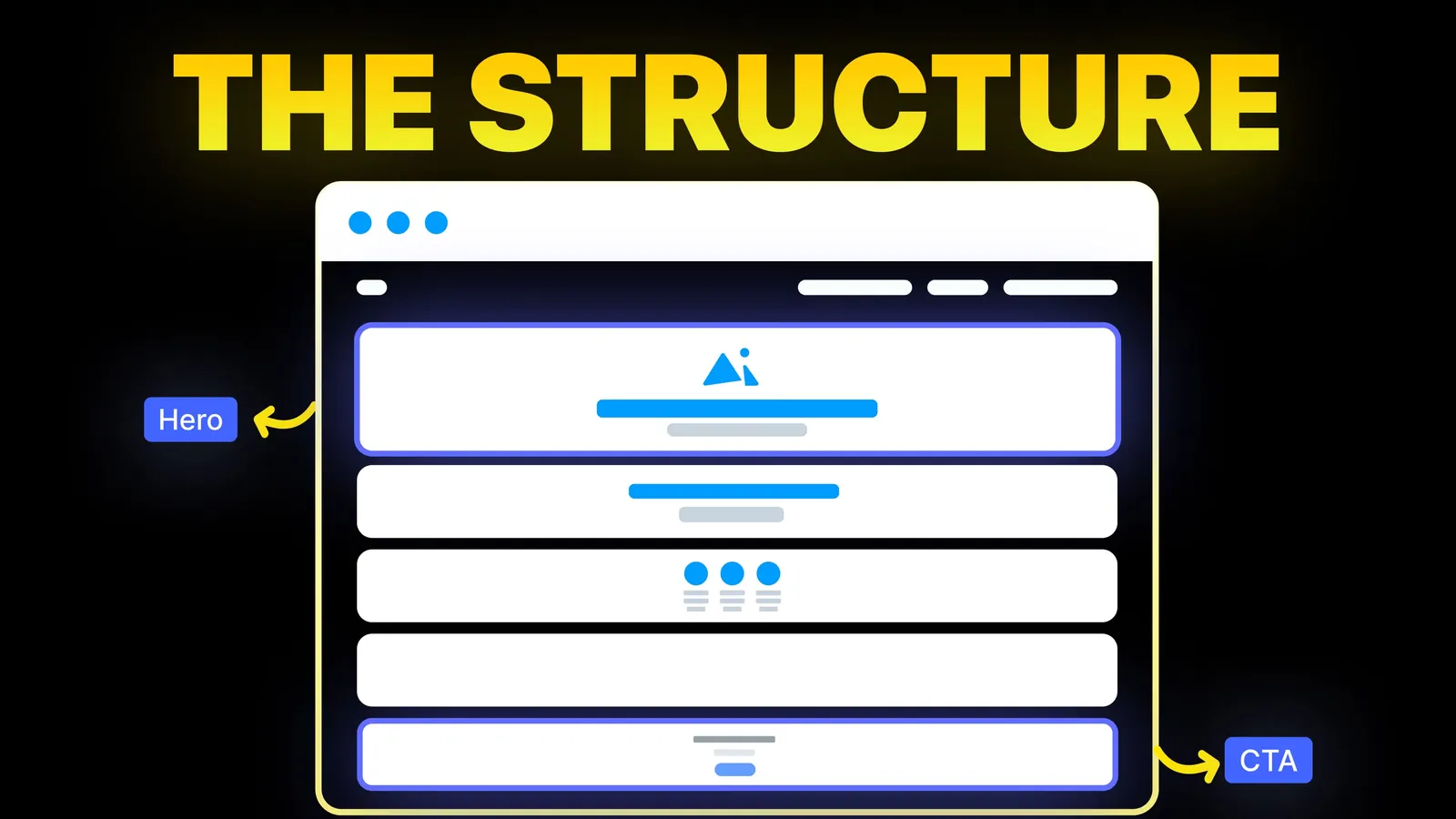
The structure behind a website that sells: the five decisions that carry conversion, the homepage section order, and how to rebuild without losing traffic.
The 2026 web design trends, checked at the end of the year: which ones a business site should use, which to test and which to skip. Checked 14 Nov 2026.
Scroll animation ideas for a business website, four ways to build them, a short CSS example and the motion rules to follow. Sources checked 9 Nov 2026.