
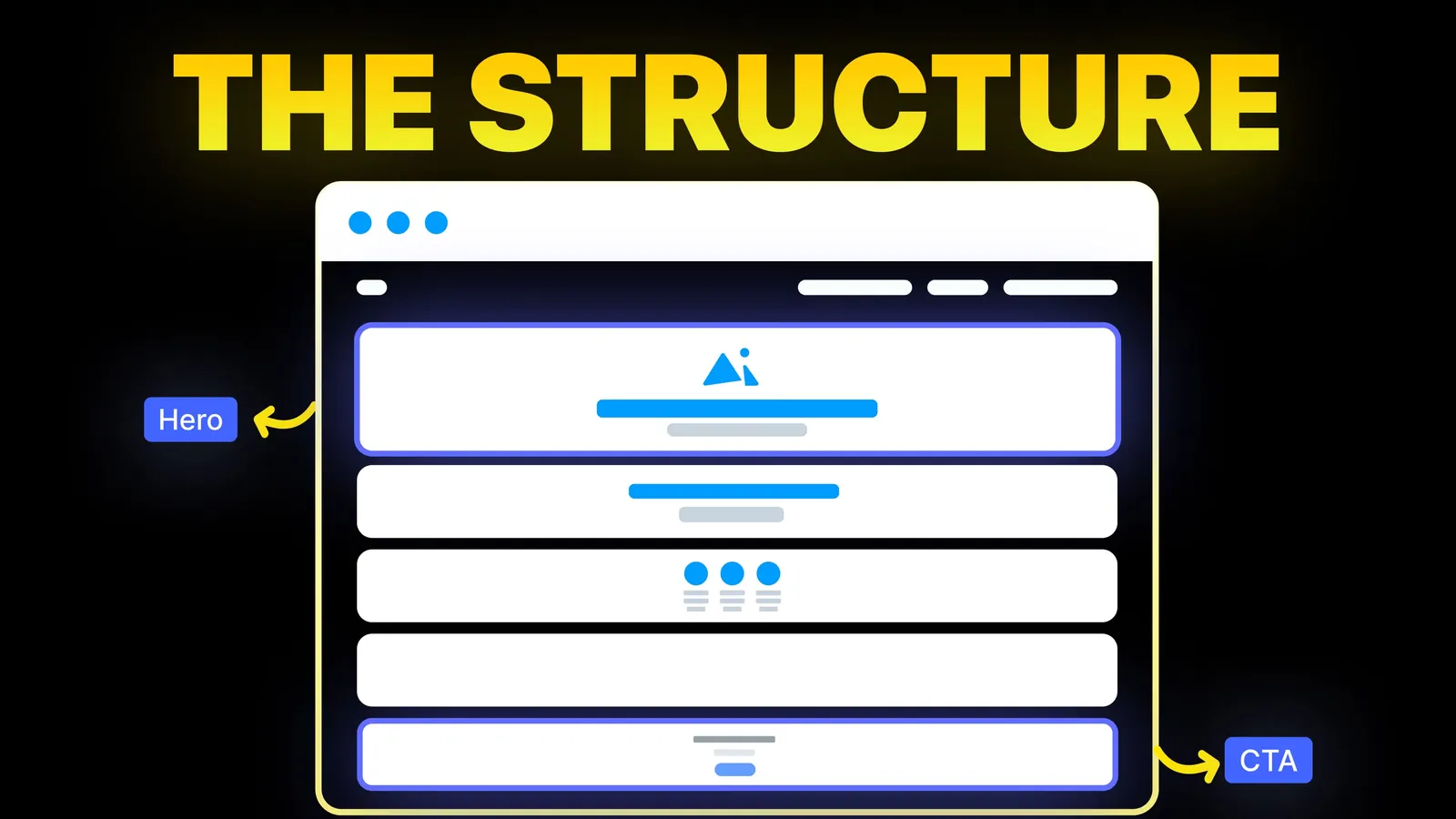
How to Turn Your Website Into a High-Converting Sales Machine
The structure behind a website that sells: the five decisions that carry conversion, the homepage section order, and how to rebuild without losing traffic.
Web Design
Search "404 page design" and you get galleries of clever error pages. They are fun to browse, but they skip the parts that decide whether the page works: the words, the links, the place your platform keeps the page, and the status code Google reads. This guide covers all four, with sources read on 10 November 2026.
A good 404 page tells the visitor, in one short line, that the page is not there. It does not blame them. It keeps your normal header and menu, offers a link home plus the two or three pages people most often want (services, contact, your best posts or products), and adds a search box only if your site has search and the header does not already show one. Behind the scenes it must return the HTTP status code 404. Humour and illustration are optional. Clear words and a correct status code are not.
Who is writing: Amariq designs and builds websites. The advice comes from the U.S. Web Design System, Google's docs and each platform's help pages, read on 10 November 2026. The only test we ran ourselves is the status code check on our own site.
On 10 November 2026 the first page of Google (US, English) for "404 page design" was mostly inspiration. It showed the gallery site 404s.design, Figma's 404 templates, Dribbble's 404 tag, an Awwwards collection, the U.S. Web Design System template, a Ramotion list of 20 brand examples updated on 19 October 2026, a Kent State page and an old User Experience Stack Exchange thread. Google's AI Overview listed a clear message, a homepage link, a search bar, popular links and brand personality.
The examples help with tone. What no single result gave a website owner: where the 404 page lives on their platform, how to check the status code, and a plain copy template. Ramotion's FAQ does mention soft 404s. This guide puts those practical steps first.
Visitors land on a 404 page because a link was wrong, a page was removed, or the address was mistyped (the three causes USWDS lists). The page has two audiences:
| Audience | What it needs | What gets it wrong |
|---|---|---|
| The visitor | A plain message and a way forward | Jokes that do not land, no menu, a dead end |
| Search engines | The HTTP status code 404 (or 410) | A pretty page that returns 200, or a redirect of every missing URL to the home page |
The U.S. Web Design System 404 template, read on 10 November 2026, has six sections. It says the same structure works for other error pages too.
| Part | What it is | Example wording for a service business |
|---|---|---|
| Heading | Describe the error | Page not found |
| Lead text | What caused it | The link may be old, or the address may have a typo. |
| Ways to fix | What the visitor can try | Check the address, or use the links below. |
| Actions | Buttons or links | Back to home, See our services, Contact us |
| Support channels | Other ways to reach you, if you have them | Call or email, with your real details |
| Error code | Small text | Error code: 404 |
Its guidance adds:
USWDS advises against whimsy on government sites. A bakery can be lighter, but if the joke hides the way forward, cut it.
The links decide whether the visitor stays. Pick them from what your visitors actually want, not from what you want to promote.
| Type of site | Links that usually help |
|---|---|
| Service business (trades, clinic, law firm) | Home, Services, Contact or Book, one line with the phone number |
| Shop | Home, the main collections, search, Contact |
| Blog or publisher | Home, the blog index, the most read posts, search |
| SaaS or app | Home, Pricing, Docs or Help, Sign in |
| Portfolio or agency | Home, Work, Contact |
Shopify's docs suggest the same for stores: popular pages, search, or a link to continue shopping. Big brands in Ramotion's list add product carousels or discount codes. For most small business sites, three clear links are enough.
Here is a plain version you can adapt.
| Line | Text |
|---|---|
| Heading | Page not found |
| Message | Sorry, we can't find that page. The link may be out of date, or the address may have a typo. |
| Buttons | Back to home, Our services, Contact us |
| Help line | Prefer to talk? Call (your number) or email (your address). |
| Small text | Error code: 404 |
Our own 404 page on amariq.com uses a short heading, one line of text, a home button, a link to our work and three popular posts, inside the normal header and footer.
Each platform below was checked on its own help or developer pages on 10 November 2026.
| Platform | Where the 404 page lives | Notes from the maker's page |
|---|---|---|
| Webflow | Pages panel, Utility pages | Utility pages come with every site; the 404 page has the reserved slug /404. You can rename it but not change the slug. |
| WordPress (classic theme) | A 404.php file in the theme | The Theme Handbook says to create 404.php, often starting from index.php, with the header, a message, a search form and the footer. |
| Shopify | templates/404.json in the theme | Shopify says to make it clear the page was not found and offer options such as popular pages, search, or a link to continue shopping. |
| Wix (Wix Editor) | Pages & Menu, Add Menu Item, New Page, (404) Error Page | Wix says you need a premium plan to customise it, and the page URL always contains "error404". |
| Squarespace | Pages panel, System Pages, 404 Page | Squarespace's help page on custom 404 pages gives this path. |
| Cloudflare Pages (static site) | A 404.html file | Pages looks for the closest 404.html up the folder tree, ending at /404.html. Without a top-level 404.html, it treats the project as a single-page app and serves the home page for unknown paths. |
That last row is a trap: forget the 404.html file on Cloudflare Pages and every mistyped address shows your home page. On any other platform, search its help for "custom 404 page" and run the test below.
Before it sends a page, the server answers with a number: 200 "here it is", 404 "not found", 410 "gone", 301 "moved for good".
Google's crawling documentation, read on 10 November 2026, says:
The Search Console help page on the Page indexing report describes a soft 404 as a user-friendly "not found" message without a 404 response code, and recommends returning a 404 code for pages that are truly not found.
The design and the status code are separate jobs. Get both right.
curl -I https://yoursite.com/this-does-not-exist and look at the first line. It should say 404. In Chrome you can also open Developer Tools, go to the Network tab, reload, and read the status of the first request.We ran step 3 on our own site on 10 November 2026: a made-up address on www.amariq.com returned HTTP/2 404, with our custom page as the content.
| Situation | What to return | Why |
|---|---|---|
| The page moved to a new address | 301 redirect to the new address | Google's docs call a 301 a strong signal that the target should be used |
| The page was replaced by a close equivalent | 301 redirect to the equivalent | Visitors and links land on the right content |
| The page was removed and nothing replaces it | 404 or 410 | Google treats both as "does not exist" |
| A typo or a link someone made up | 404 | Nothing to send them to |
| Every missing address | Do not redirect them all to the home page | The visitor did not ask for the home page, and the address still has no matching content |
Search Console's help says 404s are not necessarily a problem when a page was removed with no replacement. Moving a site? Our website redesign SEO checklist covers the redirect map.
A good 404 page catches mistakes. Fixing the mistakes is better.
When we build a site, the 404 page is designed with the rest of the pages: the same header and footer, plain words, the links your visitors need, and a status code check before launch. When we move a site, we write the redirect map so old addresses land on the right new pages instead of the error page. We work on Webflow, Framer, WordPress, Shopify, Wix, Squarespace or a custom stack. Each project is priced from its scope, never by the hour, with 40% to start, 30% at design approval and 30% before launch. Once the final payment is made, the design, copy and code belong to you, and your domain, hosting and analytics accounts sit in your name. See our web design service or our website redesign service.
That the page cannot be found, in one short line, without blaming the visitor. Then a link home and two or three links to the pages people most often want. USWDS also suggests listing other ways to get help and showing the error code in small text.
We found no source that says a nicer design ranks a site higher. What Google's docs do describe is the status code: a missing page should return 404 or 410. A "not found" page that returns 200 shows up in Search Console as a soft 404.
A page that tells visitors it was not found but returns the status code 200 instead of 404. Search Console's help recommends returning a 404 code for pages that are truly not found.
Not as a blanket rule. Redirect a missing address with a 301 when a real replacement exists. If nothing replaces it, let it return 404 and let your 404 page offer the way forward.
404 means not found and 410 means gone. Google's crawling docs say it treats both the same way: the URL is treated as not existing and is dropped from the index if it was indexed.
Run curl -I on a made-up address on your site, or open Chrome Developer Tools, Network tab, and reload. The status should be 404.

The structure behind a website that sells: the five decisions that carry conversion, the homepage section order, and how to rebuild without losing traffic.
What a small business website footer needs, what to leave out, and a plain checklist built from Nielsen Norman Group and W3C guidance. Sources checked 8 Nov 2026.
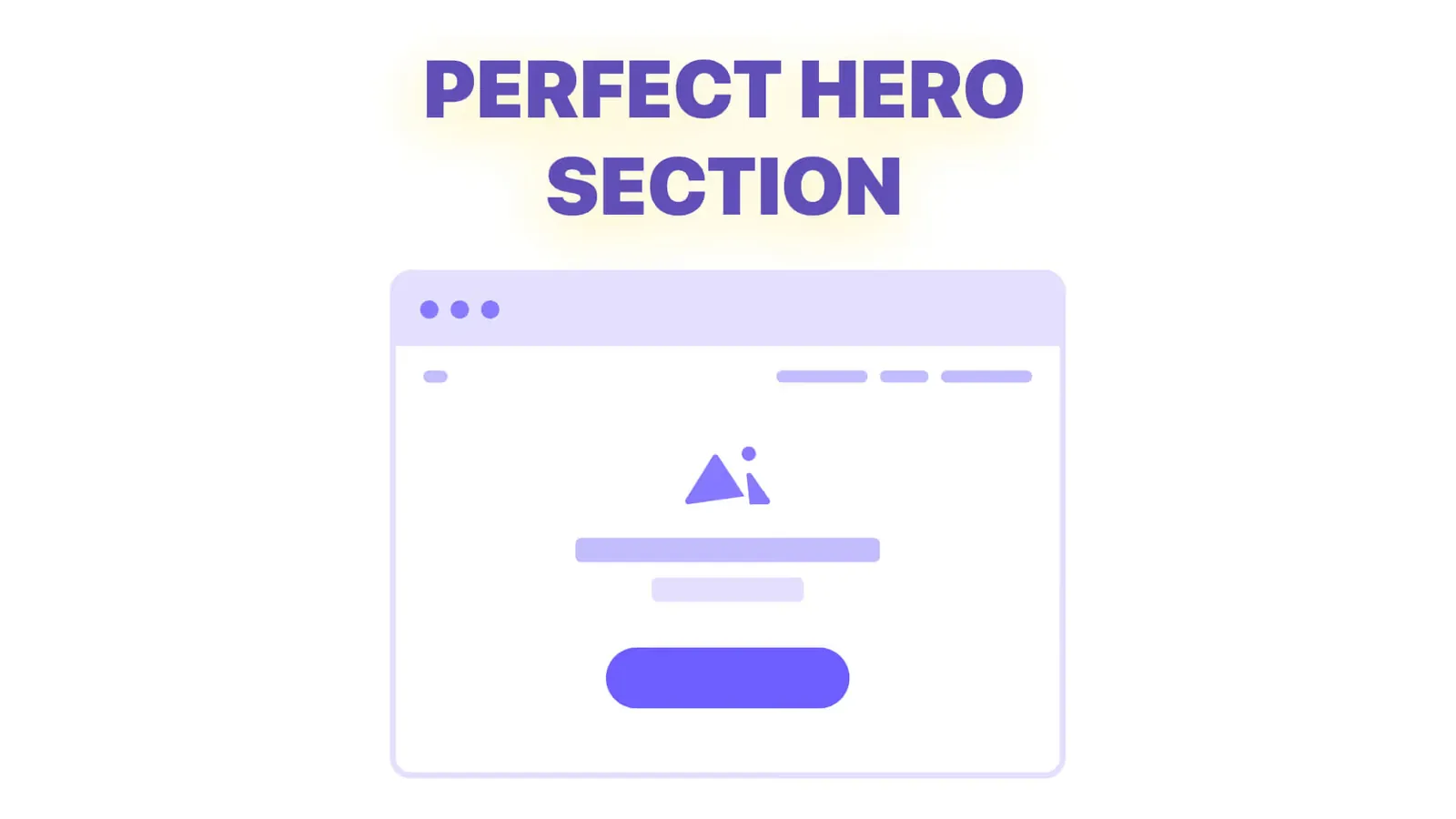
The five jobs of a hero section, before and after headline examples, hero patterns by business type, and how to design the first screen for a phone.