
Team Page Design: Show Your People and Build Trust
Team page design for small firms: what each profile needs, layouts by team size, photo and permission rules, alt text and a leaver routine.
Web Design
A good applicant arrives with practical questions about pay, hours, place and what happens next. Many careers pages answer with a mission statement and a stock photo. This guide puts the facts in order, shows where pay disclosure rules change the layout, and keeps the application short enough to finish on a phone.
Build one careers page with a plain statement of what the team does, the open roles with location, work pattern and pay, the hiring steps, a short account of daily work using real photos, benefits written as facts, and a clear note for times when nothing is open. Each role gets a separate page with the same headings in the same order, followed by a short form.
On 28 November 2026, Google (US, English) results for "careers page design" were mostly galleries and templates: Dribbble, Saaspo, Land-book, Landing Gallery, Awwwards, Figma and Envato, with a Workable help article as the written guide. We read that article, Recruitee's guide (updated 12 December 2025) and a Greenhouse post dated April 2016. They cover layout, employer brand, benefits, mobile forms and avoiding logins and PDF job descriptions. None of the three that we read sets out pay range posting rules beside the page layout, which affects what a role page must contain.
| Block | Answers | Keep it to |
|---|---|---|
| Header | What you do and where | Two sentences |
| Open roles | Is there a job for me? | A list with title, place, pattern and pay |
| How we hire | What happens after I apply? | Stages and timing |
| Working here | What is a normal week? | Real photos, a few specifics |
| Benefits | What do I get? | A list with conditions |
| No match | What now? | One way to stay in touch |
Put a "Careers" or "Jobs" link in the footer at least, and use a simple address such as /careers.
Use identical headings so people can compare jobs:
A requirement list that mixes must-haves with wishes turns away people who could do the job. If a licence or certificate is legally needed, say so and say who pays to renew it.
The business and figures below are made up to show the level of detail.
| Field | Sample wording |
|---|---|
| Role | Bicycle workshop mechanic |
| Pay | $21 to $25 an hour, set by certificate and experience |
| Hours | 32 a week, Tuesday to Friday, one Saturday in three |
| Place | On site at the shop, no remote work |
| Start | From early spring, notice periods welcome |
| Tools | Stand and hand tools provided |
| Probation | Three months, with a review in week six |
Every line answers a question that would otherwise arrive by email or surface in the first interview. If a fact is undecided, write that it is open to discussion instead of leaving the line out, and update the box once it is settled.
Rules differ, and they change. These are what official pages said when read on 28 November 2026.
| Place | What the source says | Source |
|---|---|---|
| California | Employers with 15 or more employees must include the pay scale in any job posting (Labor Code 432.3) | Labor Commissioner FAQ |
| Washington | Employers with 15 or more employees include a wage scale or range, a general description of benefits and other compensation | Department of Labor and Industries |
| Colorado | Postings and notices disclose compensation, benefits, and how and when to apply | Division of Labor Standards and Statistics |
| New York | Postings for work performed at least partly in the state include a pay range, with rules for some roles reporting into the state | Department of Labor FAQ |
| European Union | Applicants have a right to the initial pay or range, for example in the vacancy notice or before interview; employers may not ask pay history | Directive (EU) 2023/970, Article 5, transposition date 7 June 2026 |
This list is not complete and is not legal advice. Other states and cities have rules too, remote roles can bring more than one into play, and each EU country writes the directive into national law. Ask an employment adviser, then make the pay field required in your page template so it cannot be forgotten.
Even where no rule applies, a real range saves both sides an interview that cannot work.
Applicants who know the path are less likely to give up halfway. A simple table works:
| Stage | Who | Length | You hear back |
|---|---|---|---|
| Application review | Hiring lead | No meeting | Within a stated number of working days |
| Phone call | Hiring lead | 20 minutes | Same week |
| Practical task or visit | Team member | State it, and whether paid | A stated date |
| Offer | Owner | In writing |
The entries are an example. Publish only timings you can meet, and send a message to people you reject.
Use photos of your own premises, tools and people, with permission. Name a few concrete details: shift start times, on-call rota, equipment provided, training days booked last year. If a staff quote appears, use the person's own words and remove it when they ask or leave. Avoid claims such as "like a family" that a candidate cannot check.
Benefits deserve conditions. "Health cover after the probation period" tells more than an icon labelled "Health".
W3C's forms tutorial advises labelling each control, giving instructions and asking only for what the task needs. Test with a keyboard and a screen reader, using our accessibility checklist and form guidance.
Many applicants will read on a phone. Keep the apply button reachable, avoid job descriptions locked in PDF files and compress team photos. If you want roles to appear in Google's job experience, individual role pages can carry job posting structured data; our recruitment website guide summarises Google's rules. Remove or mark filled roles promptly.
Do not leave a blank list. Say plainly that there are no vacancies today, describe the roles you usually hire for, and offer one route: an email address or a short interest form with a stated retention period. Delete old interest records on that schedule.
| Check | Pass when |
|---|---|
| Open roles | Every listed job is still open |
| Pay fields | Present and current |
| Form | A test application arrives and is answered |
| Photos and quotes | People shown still agree |
| Filled roles | Page closed or clearly marked |
Give one person this list. A careers page advertising last spring's job tells applicants nobody is reading.
Bring your role list, pay approach, hiring steps and a handful of honest photos, and we will turn them into a careers section your office can edit without a developer. Employment wording stays with you and your adviser. Webflow construction from signed-off designs generally runs three to six weeks. We set a fixed figure for the agreed pages, never an hourly one: 40% opens the project, another 30% follows your design approval, and 30% falls due ahead of launch. After that last invoice, design, text and code pass to you, and the web address, hosting and statistics accounts are registered to your company. Explore Webflow development or write to us.
A short line about the work and location, then the list of open roles with pay and pattern.
Check the rules where you hire, since several places require it. A real range also filters mismatches early.
It is worth doing. Each role can then be linked, updated and closed without disturbing the others.
Not for a few hires a year. A well built form and a shared tracker can work. Move to a system when applications get lost.
As short as your first decision allows. Collect references and extra documents later.
Say so, list typical roles and offer one way to register interest, with a clear deletion period.
In the footer of every page, and in the main menu while you are actively recruiting.

Team page design for small firms: what each profile needs, layouts by team size, photo and permission rules, alt text and a leaver routine.

Website chatbot guide for small businesses: a two week count to decide, plan limits with dated prices, disclosure rules and an accessibility test.
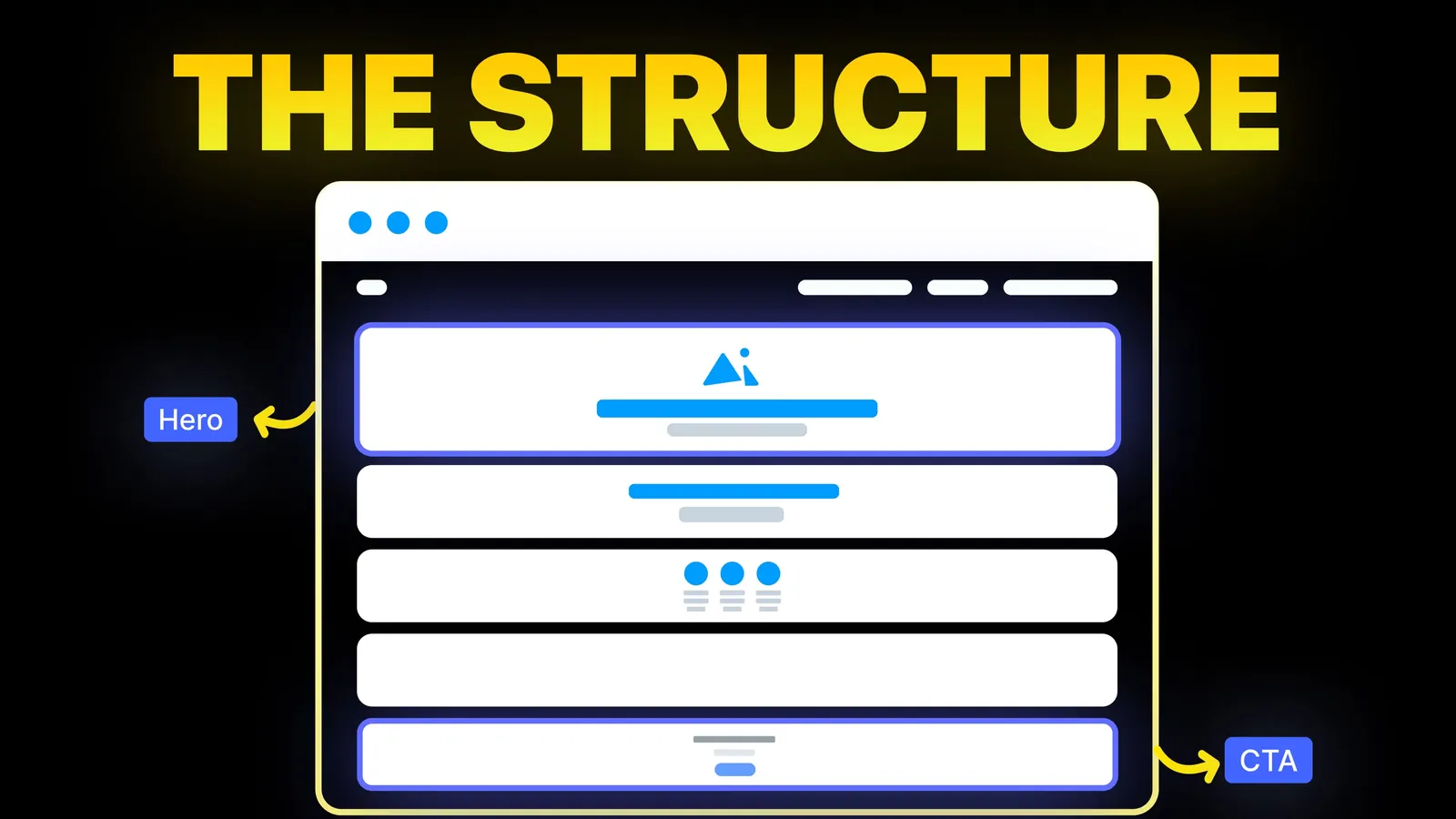
The structure behind a website that sells: the five decisions that carry conversion, the homepage section order, and how to rebuild without losing traffic.