
Online Store Terms and Conditions: Must-Have Clauses
Online store terms and conditions clause by clause: which ones a shop needs, which the FTC limits (shipping, refunds, reviews), and a 10 minute check.
Small business
Most cookie policy guides end in a generator. This one shows what the page needs to say, how a real organisation lays it out, the one question people argue about (list every cookie or only the categories), and a short routine for keeping the page true as your site changes.
This is general information, not legal advice. The rules depend on where your visitors are, so check the guidance for your country.
A cookie policy for a website explains what cookies and similar trackers your site uses, grouped by purpose, with who sets them, what for and how long they last. It tells visitors how to accept, refuse or change their choice, and how to delete cookies in their browser. Put it on its own page or as a section of your privacy policy, link it from the footer and from the cookie banner, and check it every time you add a tool such as analytics, a chat widget or an embedded video.
About us: Amariq designs and builds websites. The wording is yours or your lawyer's; this guide covers the structure and the upkeep.
We searched Google (US, English) for "cookie policy for website" on 23 November 2026. Google's AI summary gave a five-part outline and named Iubenda, Cookiebot and the European Commission. The results included Iubenda's template page, Cookiebot's guide (December 2021 in the snippet), Osano (July 2025), TermsFeed (March 2016), Automattic's and ISO's own cookie policies, a generator site and the FTC's page on internet cookies. We read the Iubenda guide and the European Commission's page in full, and the others as search snippets.
The pages by software sellers say what a policy should contain and end by offering a generator. The one real example in the results, the European Commission's, is long because it covers hundreds of services. What is missing is a plain account for a small site owner: what a finished page looks like on your scale, whether to list every cookie, and how to keep the list accurate. That is what the rest of this guide does.
| Cookie banner | Cookie policy | Privacy policy | |
|---|---|---|---|
| Job | Ask for consent before non-essential cookies run | Describe the cookies and trackers in detail | Describe all personal data you handle |
| Where | On the first visit, with a way to reopen it | A page or a section, linked from the footer and the banner | A page linked from the footer and from forms |
| Changes when | You change consent tools | You add or remove a tool or cookie | You change what data you collect |
Iubenda's guide (updated 31 March 2026) describes the sequence for EU visitors this way: show a banner on the first visit, have a cookie policy, and obtain consent before cookies are stored, apart from exempt cookies. For how to build a fair banner, see our guide to GDPR cookie consent, and for the wider page, privacy policy for a website.
Iubenda's guide says a cookie policy must:
Iubenda is a company that sells cookie tools, so treat this as one vendor's reading of the EU rules and check it against your regulator's guidance. The same guide quotes the UK Information Commissioner's Office: a broader explanation of the categories of cookies used, with a description of what analytics cookies are for, is more likely to satisfy the requirement than a bare list of cookie names.
Google's AI summary gave a practical outline that fits this: a definition and categories (strictly necessary, preferences, analytics, marketing), the specific cookies and their purposes, duration and third parties, how to accept, reject or change, and a note that the policy is updated.
The European Commission's cookies policy page (read 23 November 2026) is a useful model for structure, even though a small site is far simpler. It has four headings: what cookies are, how the Commission uses them, third-party cookies, and how to manage cookies. Under "how we use them" it groups cookies into visitor preferences, operational cookies (authentication and technical) and analytics cookies, and says which need consent: it states that operational cookies "do not require your consent", and that analytics cookies can be refused in the banner or on a separate analytics page.
Each group has a table with four columns: name, service, purpose, and cookie type and duration. A row reads like this: a cookie named _pk_id#, from the corporate web analytics service, which recognises visitors anonymously, as a first-party persistent cookie lasting 13 months. The page ends with a list of third-party providers (YouTube, Google Maps and others), a note that those providers' own policies apply, and plain instructions for deleting, managing and blocking cookies in the browser.
This is where guides disagree. Two things from the sources:
For a small site, a short table of the cookies you actually find is often easier to keep honest than a long explanation, because it is checked against reality. A category-only policy is shorter but vague. If your site has a handful of cookies, list them. If you have dozens from many tools, group them by category and name the providers.
The table below is a layout, not a finished policy. The two Google rows use Google's own help page for GA4 cookie usage (read 23 November 2026), which gives default lifetimes of two years. Replace the bracketed row with your own consent tool's cookie and set the duration it uses.
| Name | Set by | Purpose | Category | Duration |
|---|---|---|---|---|
_ga | Google Analytics 4, first party | Used to distinguish users | Analytics | 2 years by default |
_ga_ | Google Analytics 4, first party | Used to persist session state | Analytics | 2 years by default |
| [your consent cookie] | [your banner tool] | Remembers your cookie choice | Strictly necessary | [set by your tool] |
Google's page adds that browsers limit the lifespan of first-party cookies when a user does not return: up to 400 days in Chrome and 7 days in Safari. So the real life of a cookie can be shorter than the default. If Google Ads is linked to your analytics, Google's page says additional cookies are set, so check for them.
Link the policy from the footer of every page and from the banner. Iubenda's guide adds that where only exempt cookies are used, a banner is not necessarily required if the cookie policy is easily accessible and visible from every page, though it says a site using only exempt cookies is "highly unlikely". Put a "last updated" date at the top and, if the banner has a settings link, repeat it on the page so visitors can change their choice.
A cookie policy goes out of date when your site changes, not when the calendar does. Re-run the fifteen minute check:
If a new non-exempt tool appears, the banner will need to ask again. Iubenda's guide says fresh consent is needed when you start using a new non-exempt third-party cookie, because earlier consent covered only the third parties declared at the time.
A free template is a reasonable start for a small site, and a generator can scan your site and fill the table. Both give you a first draft, and the check above tells you whether the draft is true. For a site with customers in several countries, children's data, health or finance, have a lawyer in your country read it. Do not copy another site's policy: its cookies are not yours.
We can build the site, place the banner, link the policy from the footer and the banner, and give you a list of the scripts on the finished site so the table is easy to write. Projects are priced from scope, never by the hour, and paid 40% to start, 30% at design approval and 30% before launch. Once the final payment is made, the design, copy and code belong to you, and the domain, hosting and analytics accounts sit in your name. See our web design service or book a call.
A page that explains which cookies and similar trackers a website uses, who sets them, what for, how long they last and how a visitor can manage them. It can stand alone or sit inside the privacy policy.
If your site uses cookies or similar trackers and has visitors where cookie rules apply, such as the EU and the UK, yes. Iubenda's guide says this applies even when an exemption covers the cookie. Check your own country's rules.
The cookie policy covers cookies and trackers in detail. The privacy policy covers all personal data you collect, why, and what rights people have. A cookie policy often sits inside the privacy policy as a section.
No. The banner asks for consent when someone arrives. The policy is the page that gives the detail and stays available.
Iubenda says the EU directive does not specifically require it, but you do have to state type and purpose and name third parties with links. The European Commission lists theirs in tables. Choose the level you can keep accurate.
Whenever you add or remove a tool that sets cookies, after updates that add scripts, and about every six months to check. Put a last updated date on the page.
Google Analytics 4 sets the _ga and _ga_ cookies, according to Google's help page, so yes, if your visitors are covered by cookie rules you should describe them and ask for consent where required.

Online store terms and conditions clause by clause: which ones a shop needs, which the FTC limits (shipping, refunds, reviews), and a 10 minute check.

Step lists to check your PHP version on Windows 11 and XAMPP, fix the not recognized error, and see how it relates to the PHP on your live host.
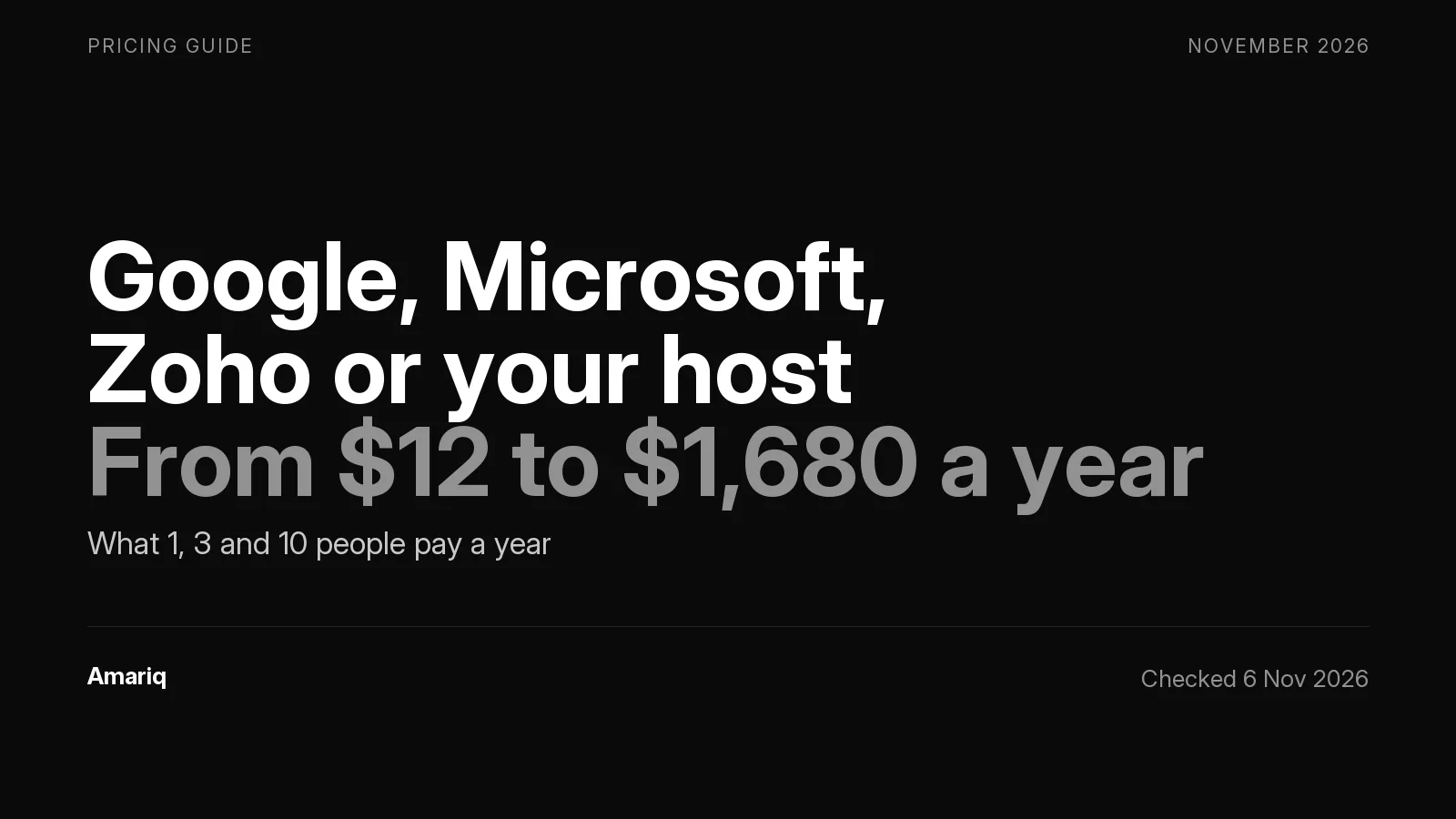
Business email costs $1 to $14 per user a month. Yearly totals for 1, 3 and 10 people at Google, Microsoft, Zoho, Fastmail and Namecheap, read 6 Nov 2026.